Skip to content
Quick Answer
Research summary
The CalDigit Element 5 Thunderbolt 5 Hub looks most appealing for buyers who already know they need high-bandwidth expansion, multiple downstream connections, and better long-term compatibility for a modern Mac or PC desk setup. The key question is not whether Thunderbolt 5 sounds better on paper. It is whether your laptop, display plan, and peripheral mix can actually use what a Thunderbolt 5 hub adds over a cheaper Thunderbolt 4 option.
Based on this RESEARCH-BASED REVIEW, the Element 5 makes the most sense for buyers building around newer high-performance laptops, external SSDs, multiple accessories, and a cleaner hub-style setup rather than a full desktop dock. If you mainly need basic port expansion, Ethernet, audio, or card readers, a full dock or even a less expensive Thunderbolt 4 hub may be the better fit.
The Product Shortlist may earn a commission from qualifying purchases. This does not affect our verdict.
Many Thunderbolt hub listings make the same mistake: they treat more bandwidth as an automatic reason to buy. That is not how most buyers should approach the CalDigit Element 5. A good buying decision here depends on fit. You need to know whether you want a compact hub focused on fast modern connectivity, or a larger dock that replaces more of your desk accessories in one box.
The practical choice usually comes down to three filters: your host device compatibility, your display and monitor expectations, and whether you need a hub or a true dock. If you skip those checks, it is easy to overspend on a premium expansion product that solves the wrong problem.
What this hub is really for
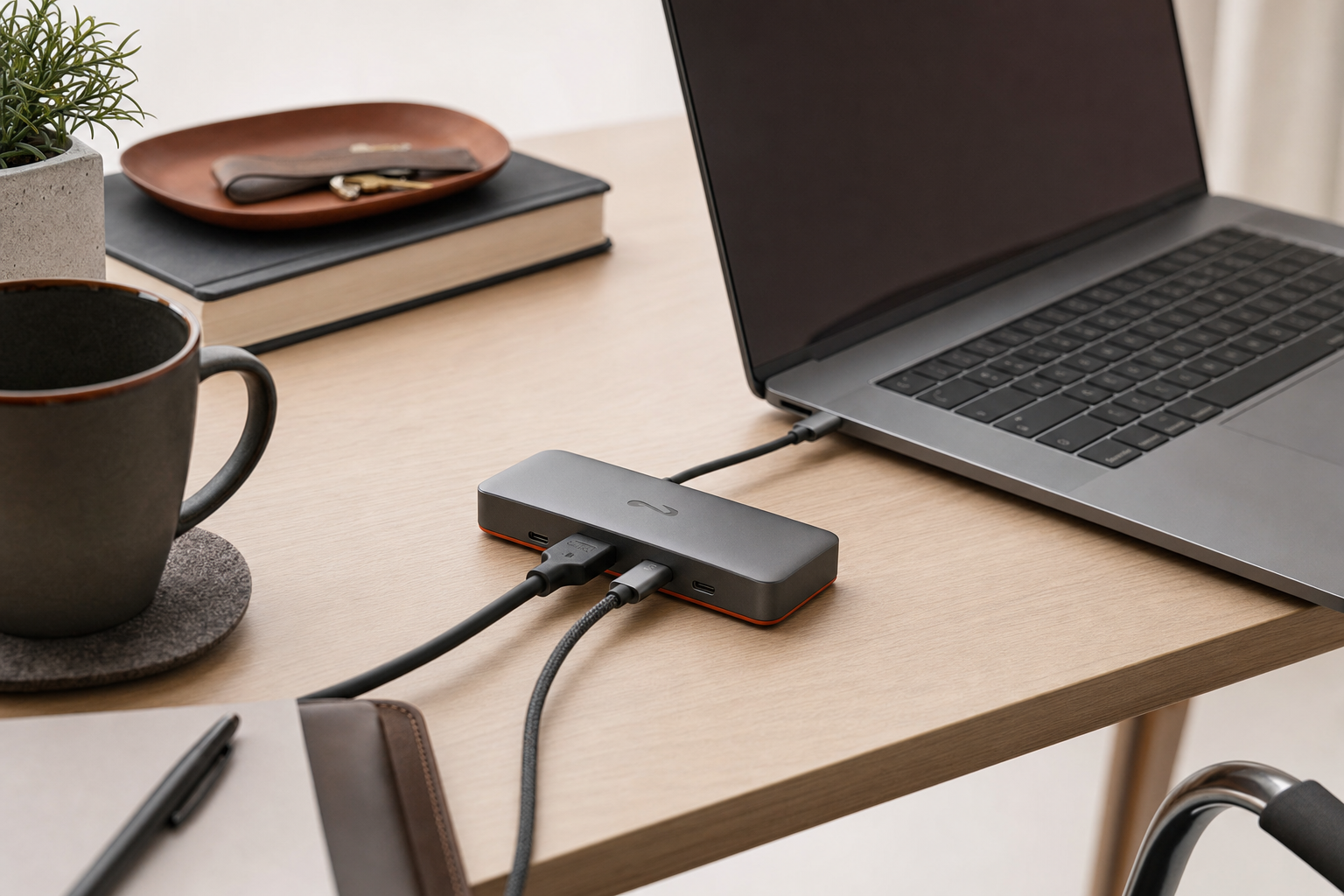
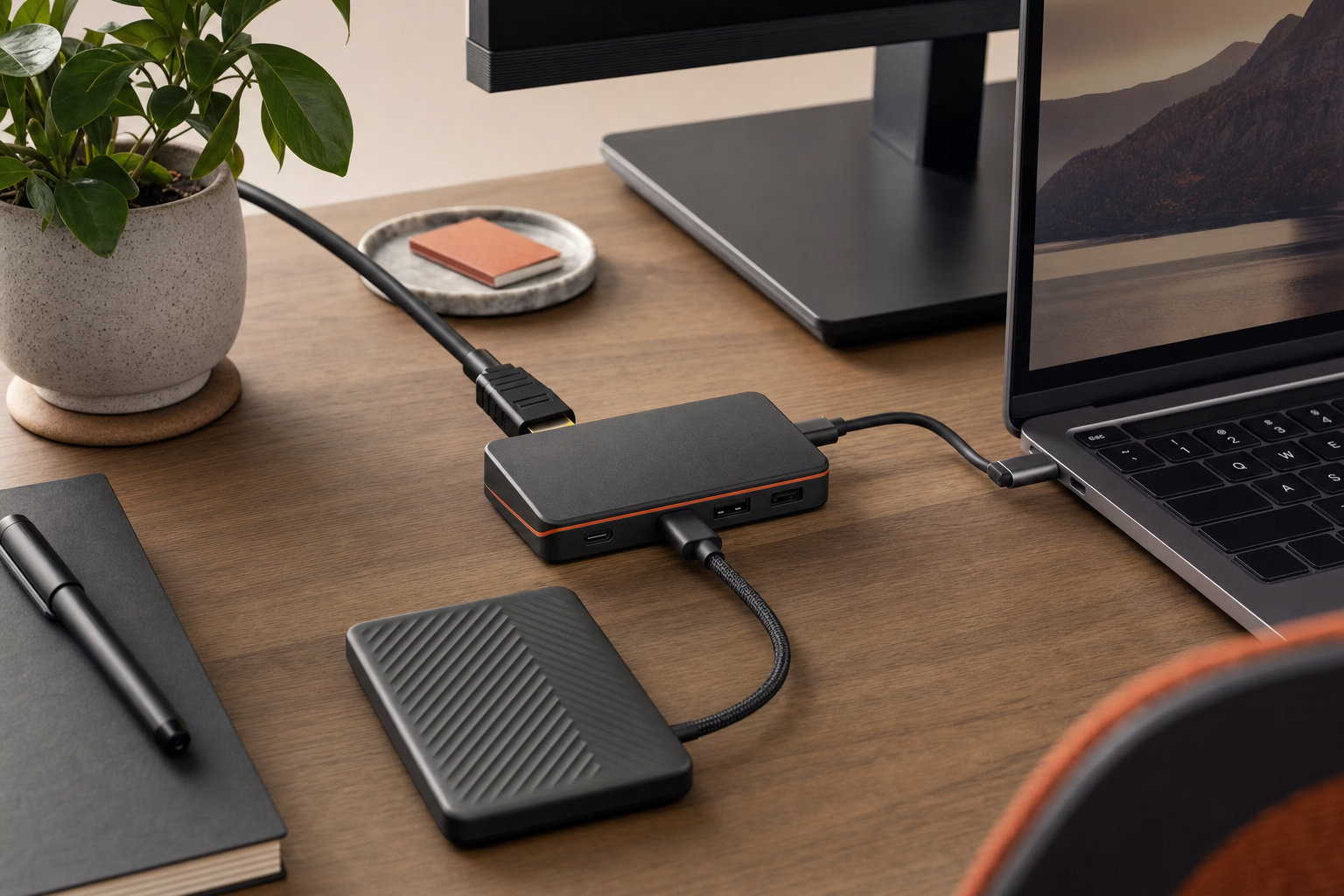
The Element 5 belongs in the category of compact premium hubs, not all-in-one docking stations. That distinction matters. A hub is usually for buyers who want more high-speed ports and cleaner cable routing while keeping the setup relatively small. A dock is usually for buyers who want broader desk replacement features such as wired networking, legacy connectors, audio, and card-reader convenience.
That means the Element 5 is easiest to justify if your setup centers on Thunderbolt, USB4, external storage, daisy chaining, and other bandwidth-hungry accessories. It is harder to justify if your actual daily pain point is simply needing more everyday ports in one place.
What the buying decision comes down to
For most buyers, this is the right way to think about the CalDigit Element 5 review question.
| Decision point | Why it matters |
|---|---|
| Thunderbolt 5 today vs Thunderbolt 4 value | If your laptop and peripherals cannot benefit from newer bandwidth or expanded display possibilities, the premium may not pay off yet. |
| Hub vs dock | A compact hub can be cleaner and more focused, but it may not replace a full desk dock if you need broader I/O. |
| Compatibility checks | Host-device support, backward compatibility behavior, and monitor limits can change whether this is a smart buy or an expensive mismatch. |
| Laptop charging expectations | Some buyers expect one-cable desk charging, so verified host charging support matters before purchase. |
| Peripheral mix | The value is higher when you regularly connect fast storage, displays, and multiple modern accessories instead of mostly low-demand devices. |
In plain terms, the strongest case for the Element 5 is future-facing expansion for demanding setups. The biggest limitation is that a premium hub still does not automatically replace a fuller docking station. If your setup needs more variety than speed, this may be the wrong category.
Who should consider it
- Buyers with a newer Mac or Windows laptop who want to build around Thunderbolt 5 or maintain a more current desk setup.
- Users who care more about high-speed downstream connectivity than legacy extras.
- Creator, computing, or gaming buyers comparing a compact hub against a bulkier full dock.
- People who regularly connect external SSDs, displays, and modern accessories and want fewer compromises in a small footprint.
- Shoppers who specifically want a premium Thunderbolt hub rather than a feature-heavy desktop dock.
If you are asking whether this is the best Thunderbolt 5 hub for Mac or the best Thunderbolt 5 hub for PC, the answer depends less on operating-system branding and more on your exact host-device support and monitor plan. The category can make sense for both, but only after you confirm compatibility in the official documentation for your laptop and the hub.
Who should skip it
- Buyers who mainly need more basic USB ports and do not have a clear reason to pay for Thunderbolt 5.
- Anyone expecting a hub to fully replace a desktop dock with broader built-in connectivity.
- Shoppers whose laptops or peripherals are unlikely to benefit meaningfully from newer bandwidth.
- People who have not yet checked monitor-output caveats, backward compatibility details, or charging expectations.
This is also a product to skip for now if your decision is based mostly on marketing language about being newer or faster. Without a setup that can use those advantages, a cheaper Thunderbolt 4 hub or a more complete dock can be the better value.
What to verify before you buy
Because this article is intentionally limited to verified and supportable claims, there are a few details you should confirm on CalDigit’s official product page and support documents before spending premium money.
- Port layout: Confirm the exact number and type of downstream and upstream ports, including whether the mix suits your drives, displays, and accessories.
- Host compatibility: Check your laptop’s Thunderbolt or USB4 support level and any operating-system-specific limitations.
- Display support: Verify your intended monitor count, resolution, and refresh-rate needs against official compatibility guidance.
- Charging support: Make sure the laptop charging behavior matches your expectation for a one-cable desk setup.
- Hub vs dock needs: Decide whether you can live without the broader connection mix often found on larger docks.
- Included accessories: Confirm what comes in the box, especially the power supply and cable details, if those matter to your setup planning.
These checks matter more than usual because Thunderbolt 5 hubs sit in a premium part of the market. A buyer comparing the CalDigit Element 5 vs a Thunderbolt 4 dock should not focus only on generation numbers. You need to compare actual desk use: the ports you need, the displays you plan to run, and whether you want a streamlined high-speed hub or a more complete workstation dock.
Bottom line
The CalDigit Element 5 seems most worth considering if you already know you want a compact, premium Thunderbolt hub and you have a setup that can benefit from current-generation bandwidth and expansion. Its likely appeal is not universal. For the right buyer, it can be a cleaner long-term connectivity purchase. For the wrong buyer, it risks being an expensive way to get fewer built-in everyday ports than a larger dock would provide.
If you are still deciding, do one last check of the official compatibility and display documentation before buying. That step is more important here than reading another roundup.
Only need a simple USB-C hub? See our Anker USB-C Hub 5-in-1 review.
FAQ
Is the CalDigit Element 5 Thunderbolt 5 Hub worth it?
It can be worth it for buyers who specifically need a compact premium hub for a newer Mac or PC setup and expect to use high-bandwidth connectivity. It is less compelling if your needs are basic or if a cheaper Thunderbolt 4 hub or fuller dock would cover your setup better.
What is the difference between the CalDigit Element 5 and a Thunderbolt dock?
A hub is usually more focused on adding high-speed ports in a smaller footprint. A dock is usually broader, with more desk-replacement connections such as Ethernet, audio, and other convenience ports. The right choice depends on whether you need speed-focused expansion or a fuller all-in-one desktop connection center.
Is Thunderbolt 5 backward compatible with Thunderbolt 4 and USB4 devices?
Thunderbolt buyers generally expect backward compatibility to matter, but you should verify the exact behavior for this hub and your host device in the official CalDigit and Thunderbolt documentation before buying. Compatibility can still involve practical limits depending on the connected laptop and display setup.
How many monitors can the CalDigit Element 5 support?
Monitor support should be confirmed from CalDigit’s official specifications and support documentation for your exact host device. This is one of the most important pre-purchase checks because monitor behavior can vary by laptop platform and connection standard.
Does the CalDigit Element 5 work with Mac and Windows laptops?
That is the intended buyer question, but you should verify operating-system support and any platform-specific limitations in official documentation before purchase. The answer is less about the brand of laptop and more about the exact Thunderbolt or USB4 support of your system.
Can the CalDigit Element 5 charge a laptop?
Potential buyers should confirm official host charging details before buying, especially if they want a one-cable desk setup. Charging support is a key buying filter, not a safe assumption.
Is the CalDigit Element 5 good for gaming or creator setups?
It can make sense for gaming or creator buyers who prioritize modern high-bandwidth connectivity, external storage, and a cleaner desk layout. It makes less sense if your setup is better served by a larger dock with a wider range of built-in everyday connections.
Who should buy the CalDigit Element 5 instead of a cheaper Thunderbolt 4 hub?
Buy it over a cheaper Thunderbolt 4 hub only if your laptop, monitor plans, and peripherals can actually use the advantages of a newer-generation hub. If not, paying more may not improve your real setup in a meaningful way.