Skip to content
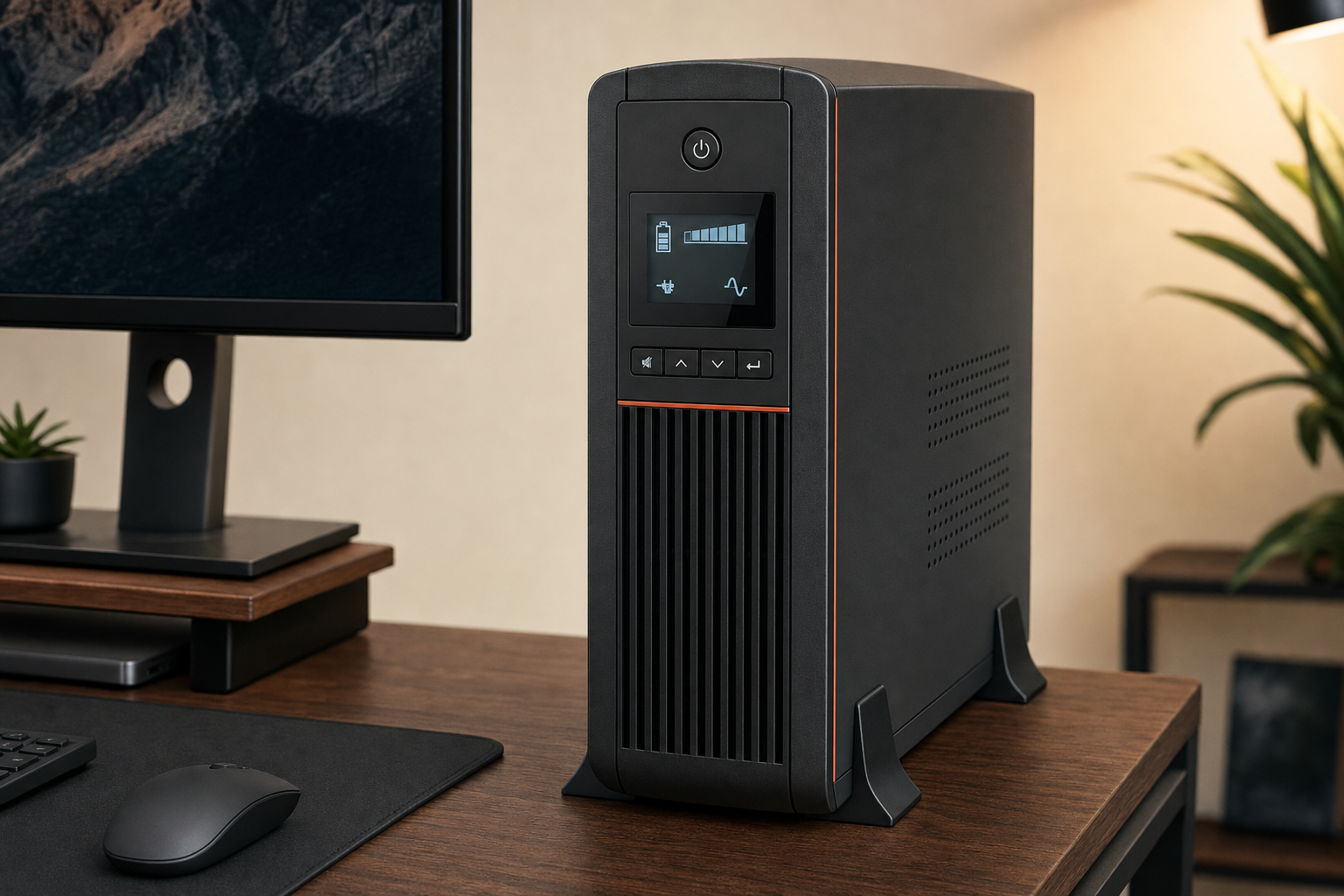
If you are considering the CyberPower CP1500AVRLCD3, the real question is not whether a UPS sounds useful in theory. It is whether this specific model fits the kind of gear you want to protect and whether your expectations match what a battery backup can actually do during an outage.
For most buyers, this is strongest as backup power for a desktop PC setup, networking gear, and home-office equipment where short outages, voltage fluctuations, and abrupt shutdowns are the main problem. This is a RESEARCH-BASED REVIEW, so the focus here is fit, trade-offs, and buyer guidance rather than unsupported hands-on claims.
Quick Answer
Research summary
The CyberPower CP1500AVRLCD3 makes the most sense if you want a UPS battery backup with automatic voltage regulation for a desktop computer, router, modem, and similar home-office gear. Its core value is straightforward: it helps keep work from disappearing during brief outages and helps smooth out unstable power without treating every fluctuation like a full battery event.
The main catch is just as important. Runtime is limited, and UPS batteries are consumables. If you expect long backup time or want to power heaters, printers, or other high-draw equipment, this is the wrong kind of product to buy.
The Product Shortlist may earn a commission from qualifying purchases. This does not affect our verdict.
What this UPS is actually good at
The best reason to buy this model is not long-duration backup. It is protection against the small, annoying, and sometimes expensive power problems that hit desktop setups and networking gear: brief outages, dips, and unstable voltage that can interrupt work or force a hard shutdown.
That is where automatic voltage regulation matters. In plain language, AVR is useful because it can help manage certain power fluctuations without immediately switching over to battery backup every time the incoming power wobbles. For buyers trying to protect a work-from-home setup or a desktop station with networking equipment, that is often the practical value that matters most.
If your goal is to keep a PC long enough to save work, prevent a network stack from dropping immediately, or avoid unnecessary disruption from rough power, the CP1500AVRLCD3 fits the job description well based on the verified category fit and positioning provided here.
The main trade-off buyers need to accept
The usual misunderstanding with products like this is runtime. A UPS is not a whole-home generator and not a long-endurance power station. It is a short-term bridge designed to keep essential gear running briefly or to give you time to save work and shut down cleanly.
The other trade-off is ownership cost over time. UPS batteries are consumables. That is normal, not a defect unique to this model. So if you want outage protection, you also need to be realistic that battery replacement is part of the long-term ownership picture.
That makes this a better fit for buyers who value protection from interruption more than buyers chasing the longest possible runtime from a compact tower UPS.
Best fit: who should buy it
- Desktop PC users who want time to save work and shut down properly during short outages
- Home-office buyers who care about outage protection and voltage stability more than all-night runtime
- People who want backup power for routers, modems, and similar networking gear
- Buyers looking for one UPS to cover a practical desk setup rather than heavy appliances
This is also a sensible category match for a gaming PC setup if your goal is graceful shutdown and short-interval protection rather than trying to game for an extended period during a blackout. The right way to think about it is protection first, endurance second.
Who should skip it
- Anyone expecting long runtime from a desktop UPS
- Buyers planning to connect heaters, printers, or other high-draw equipment
- Shoppers who specifically need pure sine wave output rather than simulated sine wave
- Anyone who wants to avoid future battery replacement as a normal ownership cost
If your use case sounds closer to appliance backup or long-duration emergency power, a typical UPS in this class is probably the wrong tool. This model is easier to justify when your priority is protecting electronics and preserving work, not running demanding loads for a long stretch.
How to think about runtime without guessing
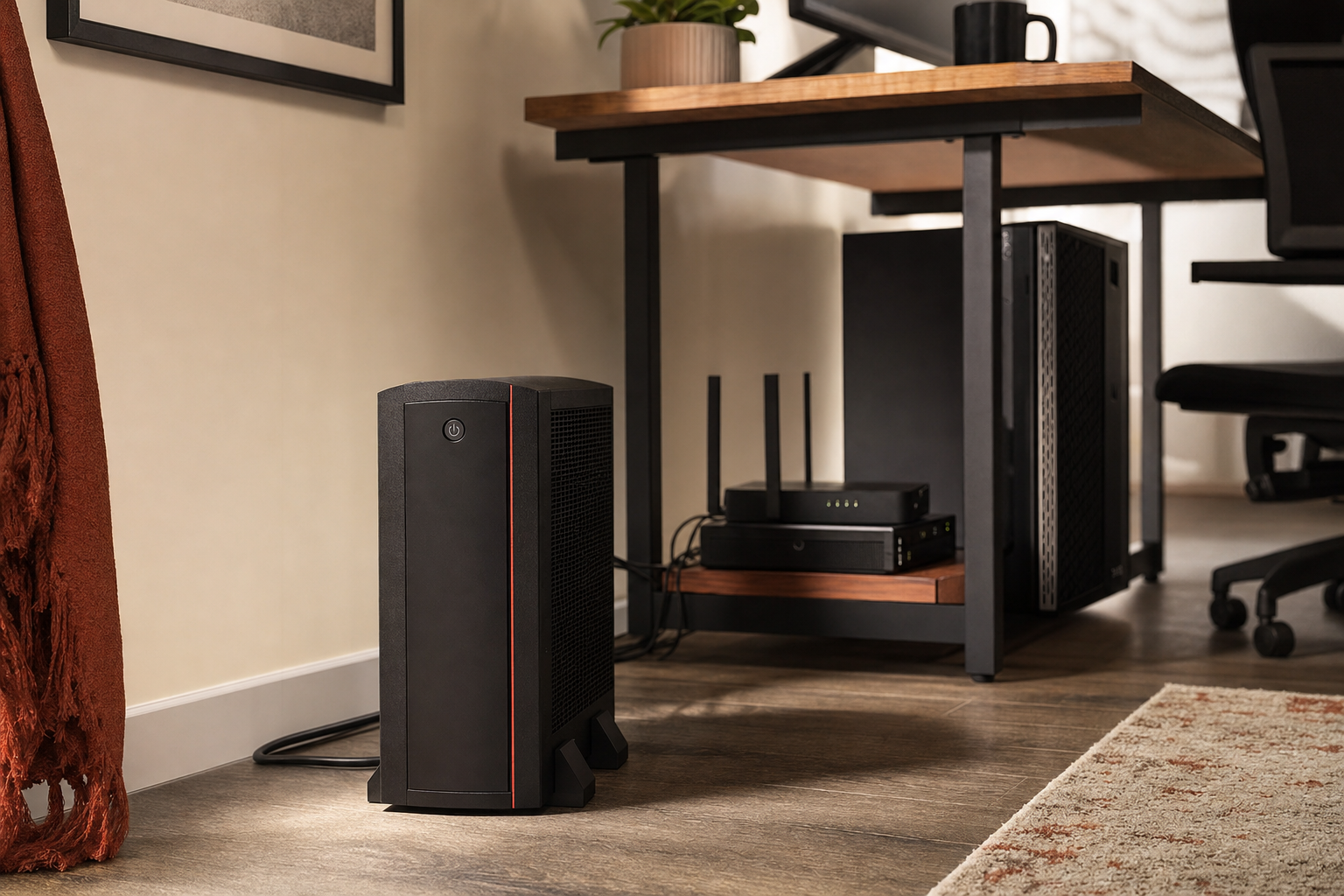
Runtime depends on load. That sounds obvious, but it is where many buyers go wrong. The more equipment you connect and the more power that equipment draws, the shorter the backup time will be.
A practical way to approach this model is to decide what actually needs battery support during an outage. For many buyers, that means prioritizing the desktop tower, one monitor if necessary, and networking gear such as a router or modem. It does not mean trying to keep every accessory and high-draw device alive.
In other words, use strategy matters. The better you are at limiting the battery-backed load to your essential gear, the more useful a UPS like this becomes in real life.
If you want model-specific runtime figures, outlet details, or load data, check the official CyberPower product page and user documentation before buying. Those are the right sources for exact expectations.
Simulated sine wave: why it matters
One buying question that deserves more attention than it usually gets is waveform compatibility. The strategy brief for this review specifically flags simulated sine wave versus pure sine wave as an important consideration, and that matters because some buyers will care more than others.
The short version: if you already know your equipment is sensitive to simulated sine wave output or you have intentionally narrowed your search to pure sine wave UPS models, you should confirm the official waveform specification before purchasing. If your priority is mainstream desktop, networking, and home-office outage protection, the broader fit case here is still clear, but exact compatibility should be verified against manufacturer documentation for your setup.
That is not a reason to reject this model automatically. It is simply one of the key buyer checks that should be handled carefully instead of assumed.
Research Summary
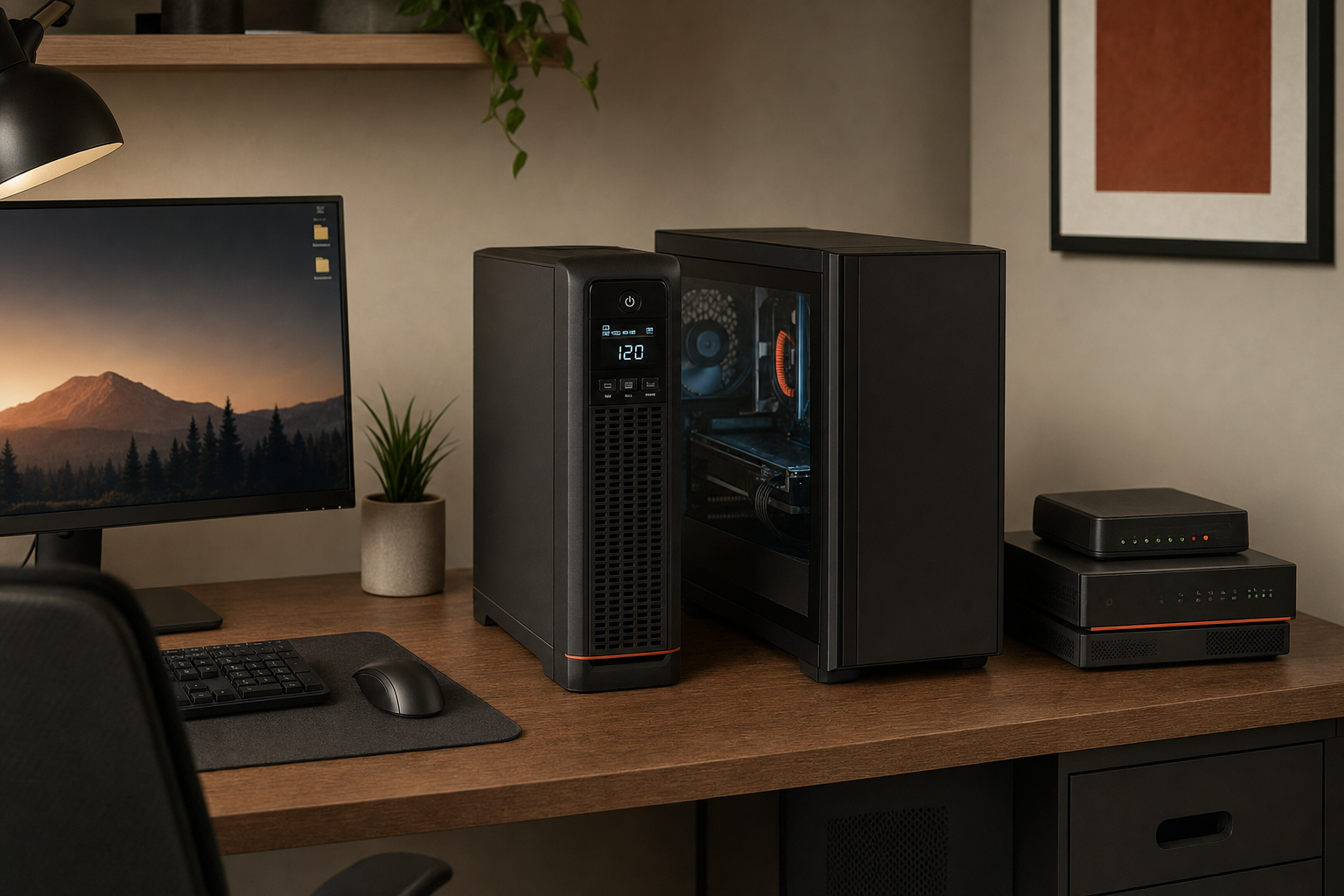
The CyberPower CP1500AVRLCD3 looks most appealing for buyers who need practical outage protection for desktop PCs, routers, modems, and home-office gear. Its strongest selling point is the combination of battery backup and automatic voltage regulation, which addresses the kind of brief outages and unstable power that can interrupt work or force abrupt shutdowns.
The biggest reason to hesitate is expectation mismatch. If you want long runtime, appliance support, or zero future battery maintenance, this category of UPS can disappoint. But if your goal is to protect work, keep core networking gear alive briefly, and avoid unnecessary disruption, the value case is easier to understand.
FAQ
Is the CyberPower CP1500AVRLCD3 worth it for a desktop PC setup?
For many desktop PC buyers, yes, if the goal is short-term outage protection, time to save work, and help with unstable power. It makes less sense if you expect extended runtime during long blackouts.
How long will the CyberPower CP1500AVRLCD3 run during a power outage?
Exact runtime depends on the connected load, so there is no single useful number without knowing what you plan to plug in. In general, a UPS like this is best thought of as a short-duration bridge for essential gear rather than a long-runtime backup source.
Is the CP1500AVRLCD3 good for routers, modems, and networking gear?
Yes, that is one of the clearest use cases. Networking gear is a strong fit for UPS backup because even a brief outage can drop internet access and interrupt work.
Does this UPS have automatic voltage regulation?
Yes. Automatic voltage regulation is one of the main reasons this model stands out for desktop and home-office use, since it helps address voltage fluctuations in addition to providing battery backup.
Can you use the CyberPower CP1500AVRLCD3 with a gaming PC?
Potentially, yes, if your goal is protection and graceful shutdown during short outages. The important part is keeping runtime expectations realistic and checking that your total load fits the model’s official specifications.
Is this model pure sine wave or simulated sine wave?
You should confirm the official waveform specification on CyberPower’s product page or manual before buying if this matters for your equipment. That check is especially important for buyers specifically shopping for pure sine wave compatibility.
What should you not plug into the CP1500AVRLCD3?
As a general buying rule, this is not the right choice for heaters, printers, or other high-draw equipment. For exact safety guidance, check the official user manual before connecting anything outside a typical desktop or networking setup.
Are replacement batteries available for the CP1500AVRLCD3?
UPS batteries are consumables, so replacement planning is part of ownership. Buyers should verify the official battery replacement details through CyberPower documentation before purchase.
Is a 1500VA UPS enough for a home office?
It can be enough for a typical home-office setup if you focus on essential devices and keep expectations centered on short backup time. Whether it is enough for your setup depends on your actual connected load.
Does the CyberPower software support safe shutdown?
You should verify current software support and compatibility directly through CyberPower’s official documentation before buying, especially if automated shutdown is an important part of your setup.