Skip to content
Quick Answer
Research summary
The Acer Aspire 3 Ryzen 7 7730U 16GB/1TB looks most appealing for buyers who want a basic 15-inch laptop with a stronger-than-entry-level memory and storage setup for everyday work, school tasks, browsing, and media use. On paper, the combination of an AMD Ryzen 7 7730U processor, 16GB of RAM, and a 1TB SSD should matter more than the Aspire 3 name alone, because cheaper Aspire 3 versions often cut memory, storage, or processor tier first.
That said, this is a RESEARCH-BASED REVIEW, and the exact SKU details that usually decide whether a budget laptop is a smart buy, such as display quality, battery life, ports, upgrade access, wireless card, and webcam quality, were not verified here from Acer documentation for this exact configuration. So the safer conclusion is narrow: this version makes sense if your priority is smoother multitasking and more built-in storage, but you should be cautious if display quality, gaming expectations, or specific connectivity needs are what will make or break the purchase.
The Product Shortlist may earn a commission from qualifying purchases. This does not affect our verdict.
Most buyers considering this model are really asking a more specific question than the product name suggests: does the Ryzen 7, 16GB RAM, and 1TB SSD version fix the usual pain points of cheaper budget laptops, or is it still mostly the same experience with a better spec sheet?
The answer is partly yes. More memory and storage are meaningful upgrades for real everyday use. But without verified evidence on the screen, battery, ports, and build details of the exact SKU, it would be a mistake to treat this as automatically better in every way. This review focuses on that tradeoff so you can decide whether the stronger configuration is worth paying for.
What this configuration changes
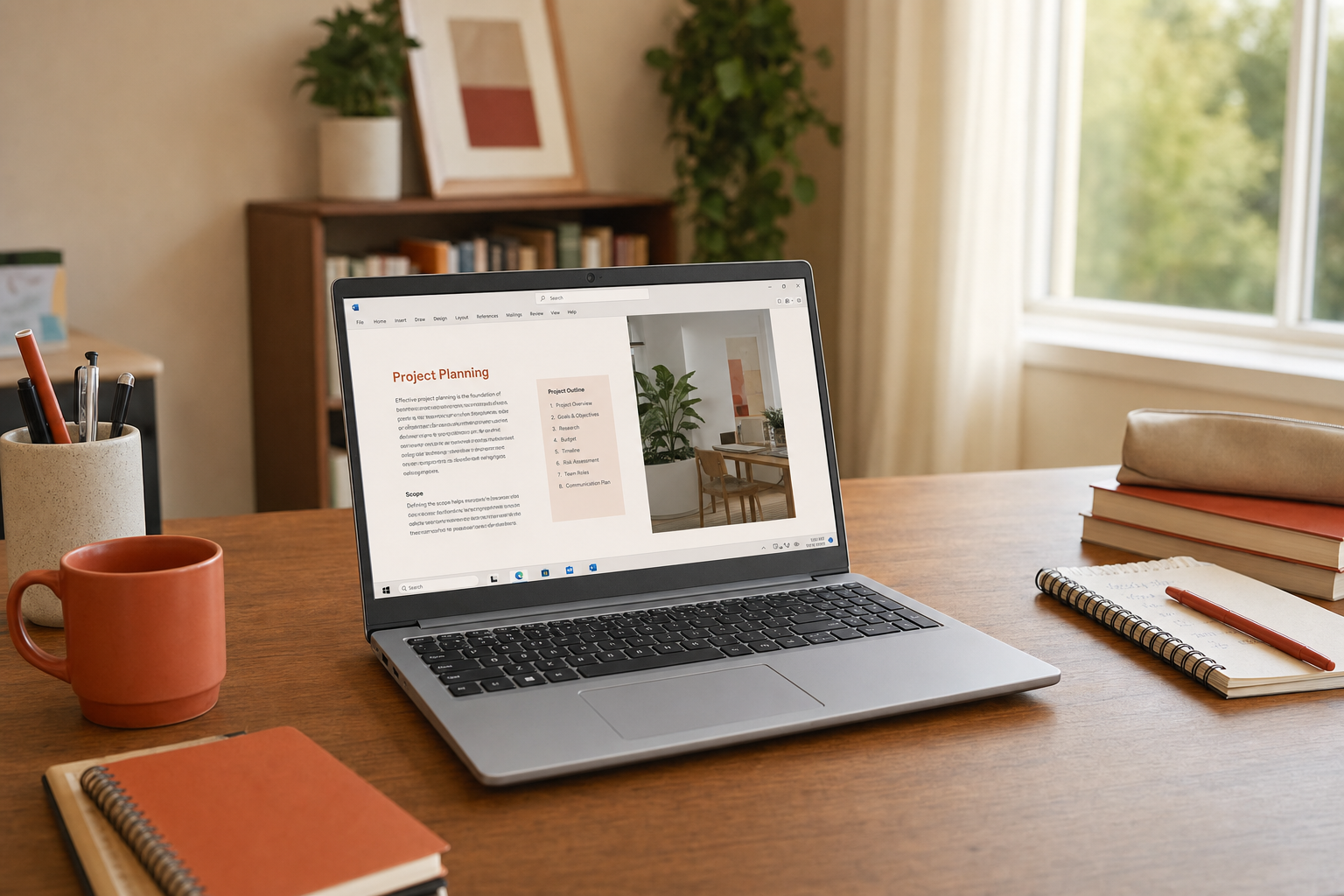
For this Acer Aspire 3 Ryzen 7 7730U 16GB 1TB review, the biggest buying point is not just that it is an Aspire 3. It is that this version pairs a Ryzen 7-class processor with 16GB of RAM and a 1TB SSD. Even without claiming benchmark numbers, that setup supports a clearer buying case than lower-end configurations usually do.
- 16GB RAM is the part most likely to help day-to-day. It gives more breathing room for many browser tabs, office apps, video calls, cloud tools, and background tasks at the same time.
- 1TB SSD storage is useful if you keep large files, school projects, downloaded media, or a bigger app library locally. It also reduces the chance that you’ll feel cramped quickly.
- Ryzen 7 7730U suggests a stronger ceiling for productivity than very low-end chips typically found in budget laptops, especially for multitasking and heavier everyday workloads.
That does not automatically mean this is a high-performance laptop, a creator machine, or a serious gaming system. It means this configuration should be better positioned than stripped-down budget variants for people who keep a laptop for general use over several years and do not want memory or storage to become the first limitation.
Who it makes sense for
Best fit
- Students who regularly work across many tabs, documents, and video calls
- Home users who want a straightforward 15-inch laptop for everyday computing and streaming
- Office and remote-work buyers who care more about multitasking headroom than premium materials
- Shoppers comparing Aspire 3 variants and trying to avoid the weakest configurations
Probably not the best fit
- Buyers who need a verified good display for color-sensitive work
- Anyone expecting dependable gaming performance beyond light or casual use
- Shoppers who need confirmed port selection for external displays, docks, or accessories
- People who want premium build quality rather than value-focused hardware
Where to be careful
The biggest risk with many budget-laptop listings is that the strong-looking CPU, RAM, and SSD distract from the parts you notice every day: the screen, keyboard feel, webcam, fan behavior, battery life, and port layout. Those details often vary by exact SKU, and this listing should not be treated as fully verified on those points without Acer documentation for the exact model sold.
That matters because search intent around the Acer Aspire 3 worth it question is usually about the whole ownership experience, not just whether the processor name sounds good. A laptop can be fast enough for office work and still feel compromised if the display is dim, the webcam is weak, or the connectivity does not match your setup.
So the safest reading of this model is: the internal configuration is promising for mainstream use, but the final buying decision should still depend on whether the exact SKU confirms the features you care about most.
Use-case breakdown
For students
This is one of the more logical use cases. The Ryzen 7 plus 16GB RAM combination should be better suited to research-heavy browser use, document work, spreadsheets, virtual classes, and multitasking than lower-memory budget options. The 1TB SSD is also practical if you want room for files without immediately relying on external storage.
The open question is portability and battery life in real use, since those details were not verified here for this exact configuration.
For office work and remote work
For email, office apps, web dashboards, conferencing, and general multitasking, the spec mix makes sense. If your work is mainly browser-based or document-based, 16GB RAM is the spec that likely helps most. It gives this configuration a better chance of feeling stable under normal work pressure than an 8GB version would.
The caution is the same: webcam quality, microphone quality, and port selection are all important for remote work, and they were not confirmed here from official documentation.
For streaming and everyday home use
This should be a reasonable fit for web browsing, streaming, shopping, light photo handling, and family-computer duties. The larger SSD is helpful for a household laptop because storage fills up faster when several kinds of files accumulate over time.
Display quality is the unknown. If you care about screen brightness or color quality for long viewing sessions, verify the exact panel details before buying.
For light gaming
The Acer Aspire 3 Ryzen 7 7730U performance story is best framed carefully. The Ryzen 7 7730U is a mainstream mobile processor, and the category expectation here points to integrated Radeon graphics rather than a dedicated gaming GPU. That means this is more realistically a light-gaming or casual-gaming laptop than a strong choice for demanding modern games at ambitious settings.
In plain terms: older titles, lighter games, and modest expectations are the safer assumption. If gaming is one of your main reasons to spend more, this model needs verified third-party testing before you should buy it for that purpose.
Bottom line
If you are comparing multiple Aspire 3 versions, this one appears more sensible than the cheapest configurations because 16GB RAM and a 1TB SSD are meaningful quality-of-life upgrades, not filler specs. For school, office work, home productivity, and general everyday computing, that can be enough to justify choosing this version over lower-tier options.
But this is not a clear yes for every buyer. The case for buying it is strongest if you mainly want multitasking headroom and storage. It is weaker if your decision depends on a good display, long battery life, specific ports, or light gaming confidence, because those points were not independently verified for the exact SKU covered here.
If the current price is close to lower-end Aspire 3 versions, this configuration is easier to justify. If the price climbs too far, the missing verified details become a bigger concern.
If you are also comparing other value-focused laptops, our ASUS Vivobook Go 15 review may help as another mainstream budget-laptop reference point.
FAQ
Is the Acer Aspire 3 Ryzen 7 7730U good for everyday use?
Based on the supplied configuration, yes for everyday tasks such as browsing, documents, streaming, and routine productivity. The strongest part of the case is the combination of a Ryzen 7 processor, 16GB RAM, and 1TB SSD rather than the Aspire 3 branding alone.
Is 16GB RAM enough for this Acer Aspire 3?
Yes, 16GB RAM should be a practical amount for mainstream multitasking, including many browser tabs, office apps, video calls, and school workloads. For many buyers, this is one of the most useful upgrades in this configuration.
Can the Acer Aspire 3 Ryzen 7 7730U handle light gaming?
It is reasonable to view it as a light-gaming option rather than a serious gaming laptop. Without verified third-party testing for this exact model, the safe expectation is casual or less demanding games rather than demanding modern titles with high settings.
Is the Acer Aspire 3 display good enough for streaming and work?
That was not verified here for the exact SKU. It may be good enough for basic use, but buyers who care about brightness, color, or long viewing comfort should confirm the panel details before purchasing.
Is the Acer Aspire 3 good for students or remote work?
Yes, this is one of the better use cases for the configuration. The 16GB RAM and 1TB SSD should help with multitasking and file storage. Just verify webcam, microphone, battery, and port details if those are important to your setup.
Is the Acer Aspire 3 Ryzen 7 version worth paying more for over cheaper Aspire 3 models?
Often yes, if the extra money gets you this exact jump to Ryzen 7, 16GB RAM, and 1TB SSD. Those are meaningful upgrades for longevity and smoother everyday use. It becomes less compelling if the price gap is large and the rest of the laptop remains unverified or unchanged in the areas you care about most.