Skip to content
 Apple iPad 11-inch (A16) 128GB Wi-Fi Review: Is It Worth It?
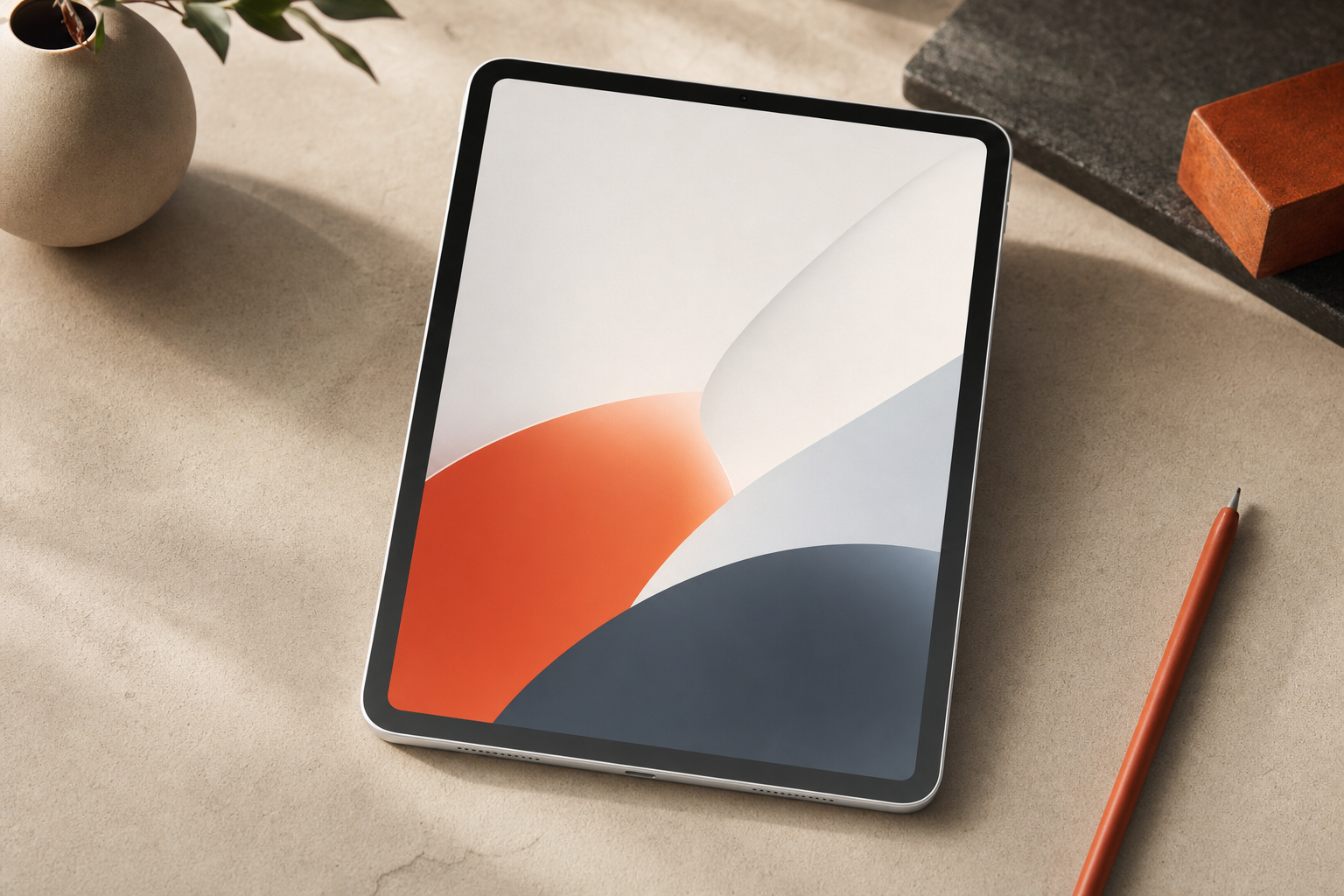
The base iPad has always been Apple's answer to the question: what is the least you need to spend to get a genuinely good tablet? The 2025 iPad 11-inch (model MD3Y4LL/A) moves that answer forward by pairing the A16 chip with an 11-inch display at a price point that still sits well below the iPad Air and iPad Pro. This is a RESEARCH-BASED REVIEW drawing on published specifications, Apple's official documentation, and editorial analysis of how those specs translate into real use for everyday buyers.
The audience this iPad is aimed at is not hard to picture: students, streamers, casual browsers, and anyone who wants a current Apple tablet without paying Air or Pro prices. The question worth answering is whether the A16 upgrade and the 11-inch form factor actually justify the cost for those buyers, or whether an older base iPad or a step up to the Air makes more sense.
Best For / Avoid If
Best for
- Students who need a reliable tablet for notes, research, and light document work
- Households that primarily stream video and browse the web
- Buyers upgrading from an iPad that is three or more generations old
- Anyone who wants Apple Pencil support without paying Air or Pro prices
- People who keep most media in iCloud or streaming services rather than local storage
Avoid if
- You need true laptop replacement with complex multitasking across many apps
- You store large video libraries, music collections, or RAW photo archives locally
- You want the best display Apple puts in a tablet (that is the Pro's ProMotion OLED)
- You are a professional who needs the M-series chip for demanding creative work
- You already own a recent base iPad (A14 or A15) and are happy with it
Performance: What the A16 Actually Changes Day to Day
The A16 Bionic is the same chip Apple used in the iPhone 14 Pro. Putting it in the base iPad is a meaningful step up from the A13 and A14 chips that powered earlier base iPads. In practical terms for everyday buyers, this matters in a few specific ways.
App launches, tab switching in Safari, and scrolling through content-heavy pages all benefit from the additional CPU and GPU headroom. For the core use cases this iPad targets — streaming, note-taking, web browsing, and light document editing — the A16 is more than sufficient. It is not a chip you will feel constrained by for those tasks in the near term.
Where the A16 advantage becomes more tangible is longevity. Apple typically supports its devices with iPadOS updates for six or more years. A chip this capable at launch means this iPad should remain a first-class citizen in Apple's software ecosystem for a long time. Buyers who held onto older base iPads and felt them slow down under newer iPadOS versions will appreciate starting from a stronger baseline.
What the A16 does not change: iPadOS itself still imposes multitasking constraints that no chip can fix. Stage Manager on the base iPad has limitations compared to the iPad Pro and Air. If your productivity needs involve running several apps simultaneously with complex window arrangements, the chip is not the bottleneck — the software tier is.
Display and Media Experience
The 11-inch Liquid Retina display uses IPS LCD technology. It is sharp, color-accurate for everyday use, and large enough for comfortable streaming and reading. It does not have the ProMotion 120Hz refresh rate of the iPad Pro, which means scrolling and animation feel slightly less fluid if you are comparing them side by side. For most buyers who are not doing that comparison, the display is genuinely good.
Streaming services render well at this resolution. Text is crisp for reading and note-taking. The display is bright enough for indoor use in most conditions. True Tone adjusts the white balance to ambient lighting, which reduces eye strain during long sessions — a practical feature for students and anyone reading for extended periods.
Is 128GB Enough?
This is one of the most common questions buyers ask, and the honest answer depends entirely on how you use a tablet.
128GB is workable for most everyday buyers if they rely on streaming services rather than downloaded libraries, keep photos and documents in iCloud, and do not install dozens of large games. iPadOS itself, pre-installed apps, and system data consume a portion of that 128GB before you add anything. The usable space is less than the headline number.
Where 128GB becomes tight: downloading movies and TV episodes for offline viewing, storing a large music library locally, keeping a significant photo library on-device, or installing multiple large games. If any of those describe your habits, 128GB will require active management — periodically deleting downloads, offloading apps, and relying on cloud storage more than you might prefer.
The practical guidance: if you are a cloud-first user, 128GB is fine. If you are a local-storage user, consider whether the next storage tier is available and worth the price difference, or whether changing your habits to cloud-first is realistic. We don’t print prices for the higher storage tiers here — check Apple’s current pricing.
Battery Life
Apple rates the iPad 11-inch at up to 10 hours of Wi-Fi browsing. That figure is consistent with what Apple publishes across its iPad line for this class of device. Real-world battery life varies with screen brightness, the intensity of what you are running, and whether you are streaming over Wi-Fi or working locally.
For a student using the iPad through a school day — a mix of note-taking, research, and some video — a full charge should cover the day without needing a top-up. For heavy streaming sessions at higher brightness, expect to land somewhere below the rated maximum. The 10-hour figure is a reasonable planning number for moderate use, not a guarantee under all conditions.
Charging speed is not the iPad's strongest point. Apple does not include a fast charger in the box, and the base iPad charges more slowly than the Pro models. Apple changes in-box contents and charger wattage between production runs, so confirm both on the current listing.
Apple Pencil and Keyboard Support
The iPad 11-inch (A16) supports Apple Pencil. Apple Pencil compatibility has varied across base iPad generations and Apple updates it periodically. Confirm which generation works with this exact model before buying a Pencil separately. Buyers should confirm compatibility on Apple's official accessory pages before purchasing a Pencil separately.
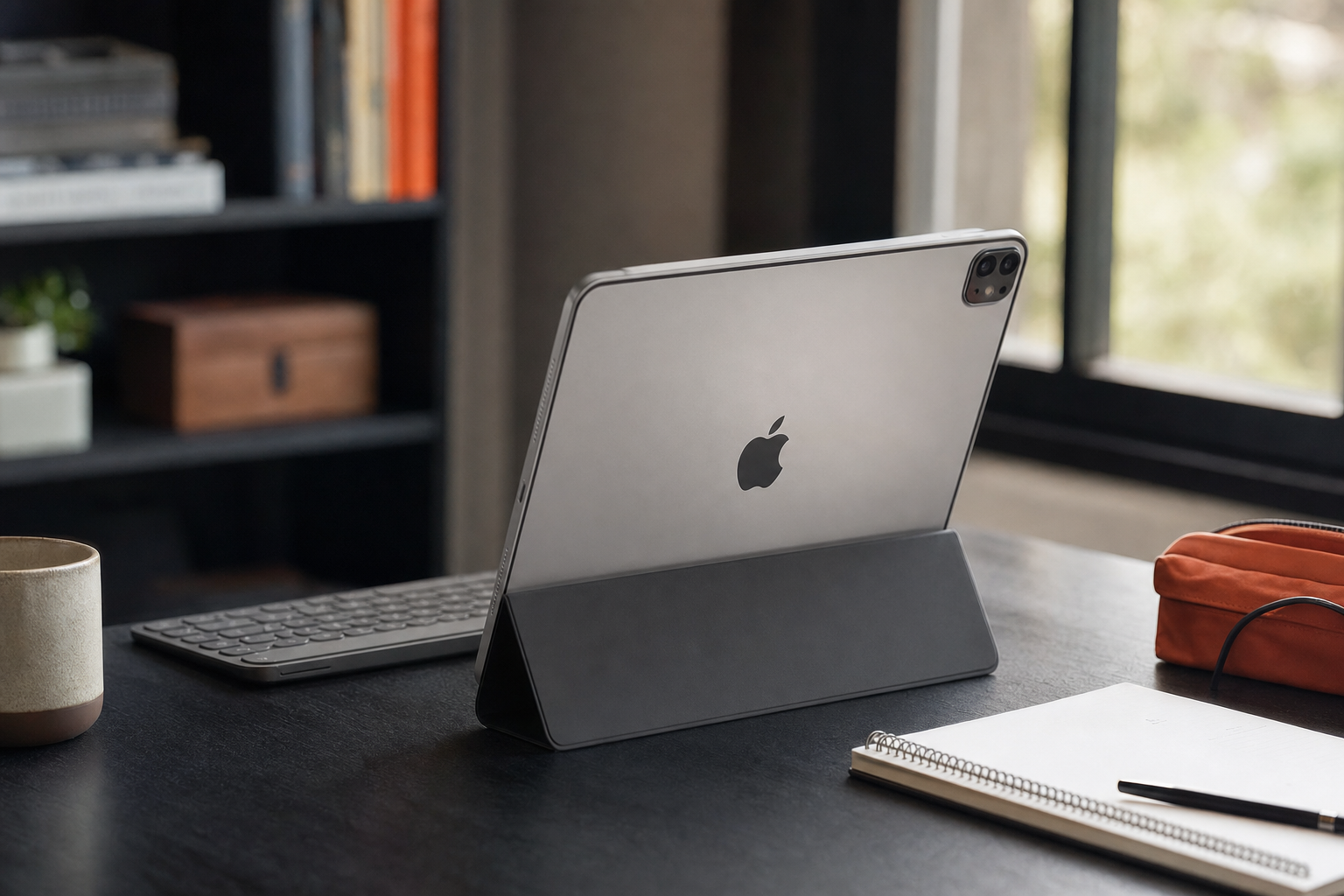
Keyboard support is available via Bluetooth keyboards and the Magic Keyboard Folio. For students who want to use this iPad as a note-taking and light writing device, keyboard support meaningfully expands what the iPad can do. The combination of a keyboard and Apple Pencil makes this a credible study tool — not a laptop replacement, but a capable companion for coursework.
iPadOS and Light Productivity: Honest Assessment
iPadOS has improved substantially over recent years, but it still has a different relationship with multitasking than a desktop or laptop operating system. For the buyer this iPad targets, that is mostly fine. Streaming, browsing, email, note-taking, and light document editing in Pages or Google Docs all work well. The app ecosystem is strong, and most productivity apps a student or casual user needs are available.
Where iPadOS shows its limits: complex workflows involving many apps simultaneously, file management that requires moving between multiple locations, and any work that depends on software only available on macOS or Windows. If your productivity needs are genuinely laptop-level, this iPad will frustrate you. If your needs are tablet-level — which describes most everyday buyers — iPadOS is adequate and often pleasant.
Build Quality and the Silver Finish
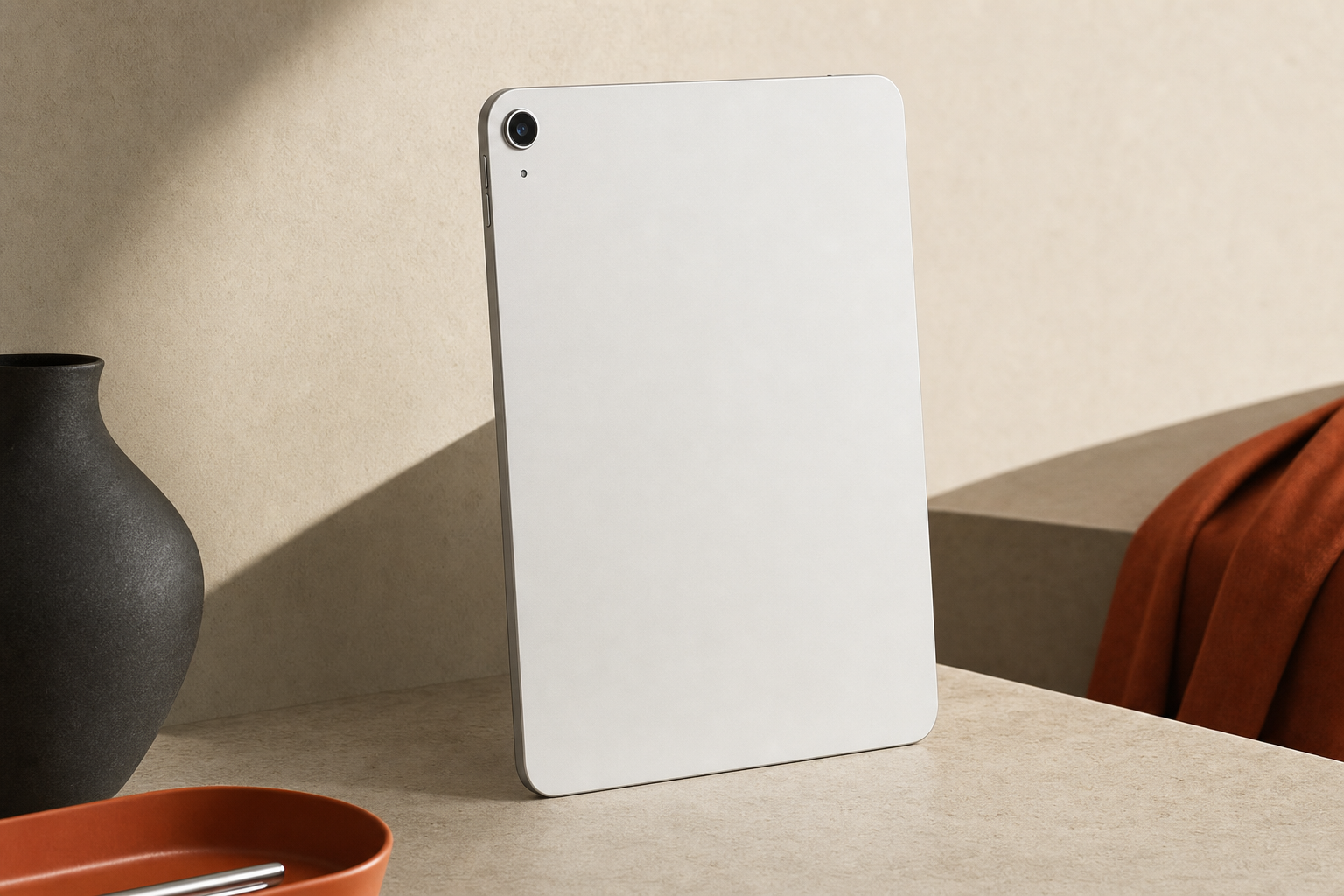
The aluminum build is solid and consistent with Apple's standard for the base iPad line. The Silver finish is neutral and professional-looking. It does not show fingerprints as visibly as darker finishes. The overall feel in hand is what you expect from Apple hardware at this tier — not as premium as the iPad Pro's materials, but well above what most Android tablets offer at comparable prices.
Price and Value
We don’t lock in a price here — it would be out of date before you read it. Check the current listing. What can be said editorially: the base iPad has historically represented the strongest value-per-dollar in Apple's tablet lineup for everyday buyers. The A16 chip extends the useful life of this device, which matters when evaluating the total cost of ownership over a typical two-to-four-year ownership period.
The value case weakens if you are upgrading from a recent base iPad (A14 or A15 generation). The day-to-day experience difference will be modest for typical use cases. The value case strengthens if you are coming from an older device or buying your first iPad.
Realistic Alternatives
| Option | Who it suits better | Trade-off |
|---|---|---|
| Older base iPad (A14/A15) | Budget-first buyers who do not need the latest chip | Shorter software support runway; lower starting price if available |
| iPad Air (M-series) | Buyers who want ProMotion display, more RAM, or heavier multitasking | Meaningfully higher price |
| iPad Pro | Professionals needing the best display and maximum performance | Significantly higher price; overkill for everyday use |
| Android tablet (mid-range) | Buyers who prefer Android or need a lower price point | Weaker app ecosystem for tablet-optimized apps; different software experience |
Frequently Asked Questions
Is the Apple iPad 11-inch A16 worth it?
For everyday buyers — students, streamers, casual browsers — yes. The A16 chip provides a strong performance baseline and a long software support runway. It is not worth it if you already own a recent base iPad or need laptop-level multitasking.
Is 128GB enough on an iPad for school and streaming?
For cloud-first users who stream rather than download and keep files in iCloud, 128GB is workable. For users who store large media libraries or many large apps locally, it will require active management and may feel tight over time.
How fast is the iPad 11-inch A16 for everyday use?
The A16 handles all typical everyday tasks — browsing, streaming, note-taking, light document work — without hesitation. It is faster than the A13 and A14 chips in older base iPads, and that headroom supports a longer useful life as iPadOS evolves.
Is this iPad good for students?
Yes, for most student use cases. Note-taking, research, reading, light writing, and video calls are all well within its capabilities. Add a keyboard and Apple Pencil (verify compatibility before purchasing) and it becomes a capable study tool.
Can the iPad 11-inch A16 replace a laptop for light productivity?
For genuinely light productivity — email, documents, browsing, video calls — it can handle the workload. It cannot replace a laptop for complex multitasking, software that only runs on macOS or Windows, or workflows that require a traditional file system.
How is the battery life on the iPad 11-inch A16?
Apple rates it at up to 10 hours of Wi-Fi browsing. Moderate everyday use should get most buyers through a full day. Heavy streaming at high brightness will land below the rated maximum.
Does the iPad 11-inch A16 support Apple Pencil and keyboards?
It supports Apple Pencil and Bluetooth keyboards. Confirm which Apple Pencil generation is compatible on Apple's official site before buying accessories separately.
Should you buy this iPad or an older base iPad?
If price is the primary concern and an older model is significantly cheaper, the older model may still serve everyday needs. If you want the longest possible software support runway and the most capable chip in the base tier, the A16 model is the better long-term buy.
Is the Silver iPad 11-inch Wi-Fi model a good value?
Editorially, yes — the base iPad has historically offered the strongest value in Apple's tablet lineup for everyday buyers. Check the current price to confirm that still holds when you buy.
Who should skip the iPad 11-inch A16?
Recent base iPad owners who are happy with their device, buyers who need laptop-level multitasking, users who store large local media libraries, and professionals who need the iPad Pro's display or M-series chip performance.
The Bottom Line
The Apple iPad 11-inch (A16) in 128GB Wi-Fi Silver is a well-matched tablet for the buyer it is designed for. The A16 chip is capable enough to handle everyday tasks without strain and provides a longer useful life than older base iPads. The 11-inch display is good for streaming and reading. The 128GB storage tier is adequate for cloud-first users and tight for local-storage users. iPadOS works well for light productivity and has real limits for anything more demanding.
The case for buying it is straightforward if you are an everyday buyer upgrading from an older device or buying your first iPad. The case weakens if you already own a recent base iPad or if your needs genuinely require more than a base iPad can deliver.
If this fits your use case, check price on Amazon and confirm storage and accessory options before purchasing.