Skip to content
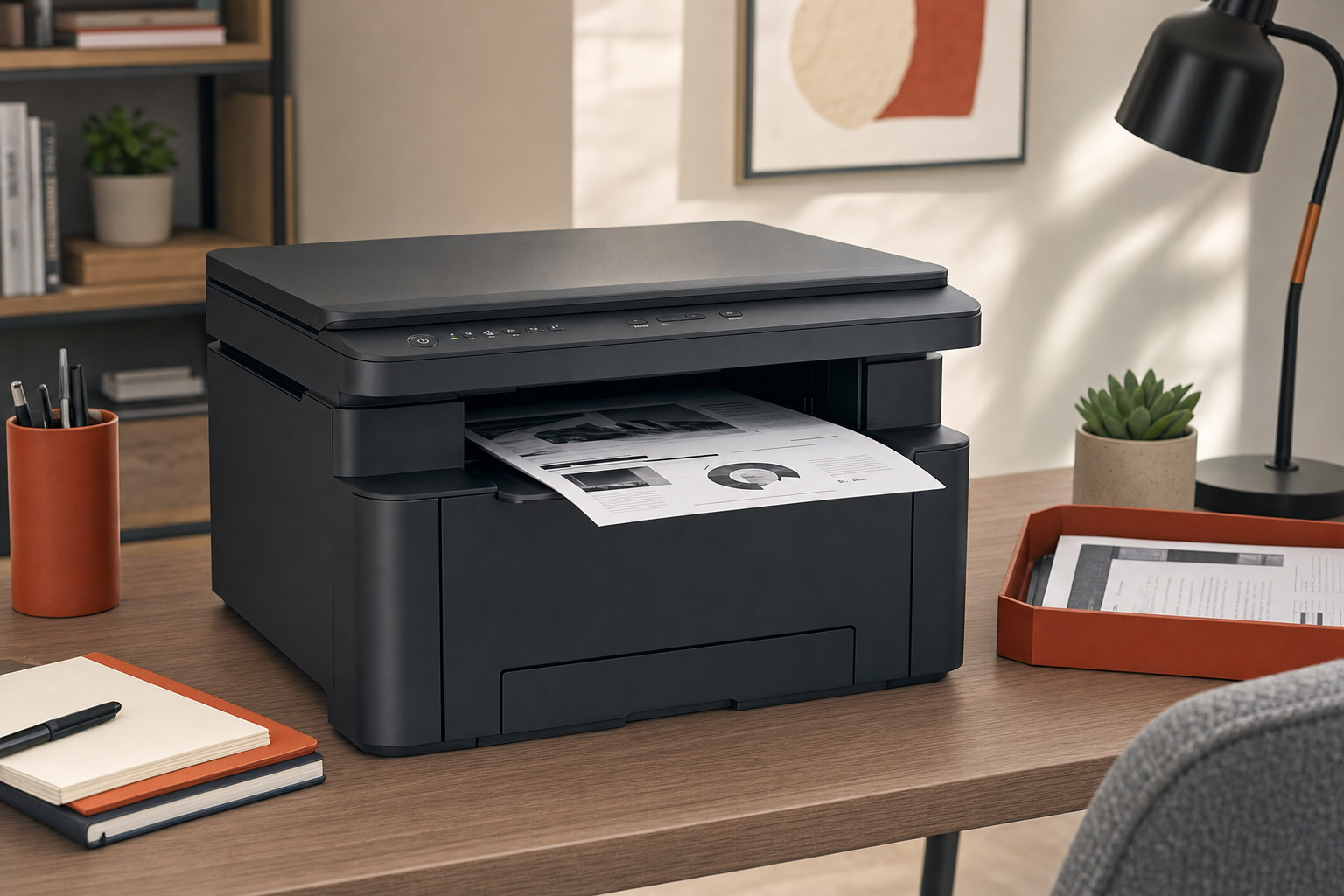
 If you print mostly invoices, contracts, school packets, shipping labels, and other black-and-white documents, the Brother DCP-L2640DW is aimed at a practical problem: getting fast text printing plus scan and copy functions in one machine. The real buying question is not whether monochrome laser printers are useful in general. It is whether this specific setup matches your workflow well enough that giving up color is an acceptable trade.
For the right buyer, that trade is straightforward. For the wrong buyer, it is the entire reason to skip it. This RESEARCH-BASED REVIEW focuses on that buyer fit first, because a monochrome all-in-one can be excellent for document-heavy work and still be a poor choice if you need occasional color charts, marketing handouts, or photo printing.
Quick Answer
Research summary
The Brother DCP-L2640DW Wireless Monochrome Laser Multifunction Printer makes the most sense for home offices and small businesses that print a lot of text documents and want print, scan, and copy functions in one device. Its main appeal is simple: fast monochrome output paired with multifunction convenience.
The biggest limitation is just as simple: it is a monochrome printer. Even if toner economics are favorable for text-heavy use, that does not help if your work regularly requires color.
- Best for: Home offices and small businesses printing lots of black-and-white paperwork
- Skip if: You need photo-quality color output
- Main strength: Fast monochrome printing plus scan/copy functions in one device
- Main trade-off: Good fit for text workflows, poor fit for any buyer expecting color flexibility
The Product Shortlist may earn a commission from qualifying purchases. This does not affect our verdict.
Who this printer makes sense for
The best fit is fairly narrow, but that is not a bad thing. If your day-to-day printing is mostly black-and-white office paperwork, a monochrome laser all-in-one can be a more sensible purchase than a general-purpose printer that tries to cover every use case.
That matters because many buyers do not actually need broad creative flexibility. They need a machine that can reliably handle recurring document tasks: forms, receipts, return paperwork, internal drafts, classroom handouts, labels, and admin packets. In that context, the DCP-L2640DW’s combination of monochrome printing with scan and copy support is more useful than a basic single-function printer.
It is also the kind of printer that makes more sense when your work is routine and document-driven rather than occasional and mixed-media. If your print jobs are infrequent and varied, especially if color comes up even sometimes, the fit gets weaker quickly.
What it does well
The strongest reason to consider the Brother DCP-L2640DW is convenience around document-heavy work. Fast black-and-white printing is the core benefit, and the added scan/copy functionality means it can cover the common office tasks that tend to create friction when split across multiple devices.
That combination is especially relevant for small teams and solo operators. A printer that only prints may be enough until you need to duplicate signed paperwork, scan multi-page forms, or digitize administrative documents. At that point, an all-in-one starts to save both desk space and hassle.
There is also a broader ownership point here. For text-first users, toner-based monochrome printing is typically easier to justify than buying a printer for occasional everything. The practical value is not that it does more than every alternative. It is that it focuses on the jobs many home offices actually do most often.
If your priority is crisp, routine black-and-white document output and occasional office scanning/copying, this is the part of the product story that matters most.
The main trade-off
The biggest objection is not subtle: this printer does not solve color needs. That sounds obvious, but it is exactly the point many generic product roundups gloss over.
If your workflow includes color-coded reports, presentation handouts, marketing pieces, classroom visuals, or photos, the DCP-L2640DW stops making sense fast. Even if the ownership economics are good for monochrome text printing, those savings do not compensate for needing a second printer or outsourcing color work.
So the trade-off is not just ‘no color.’ It is whether your actual workload is disciplined enough that no-color is truly acceptable over time. Buyers who know they only need black-and-white documents may find that limitation easy to live with. Buyers who think they can work around it often end up annoyed by the restriction.
Best for vs avoid if
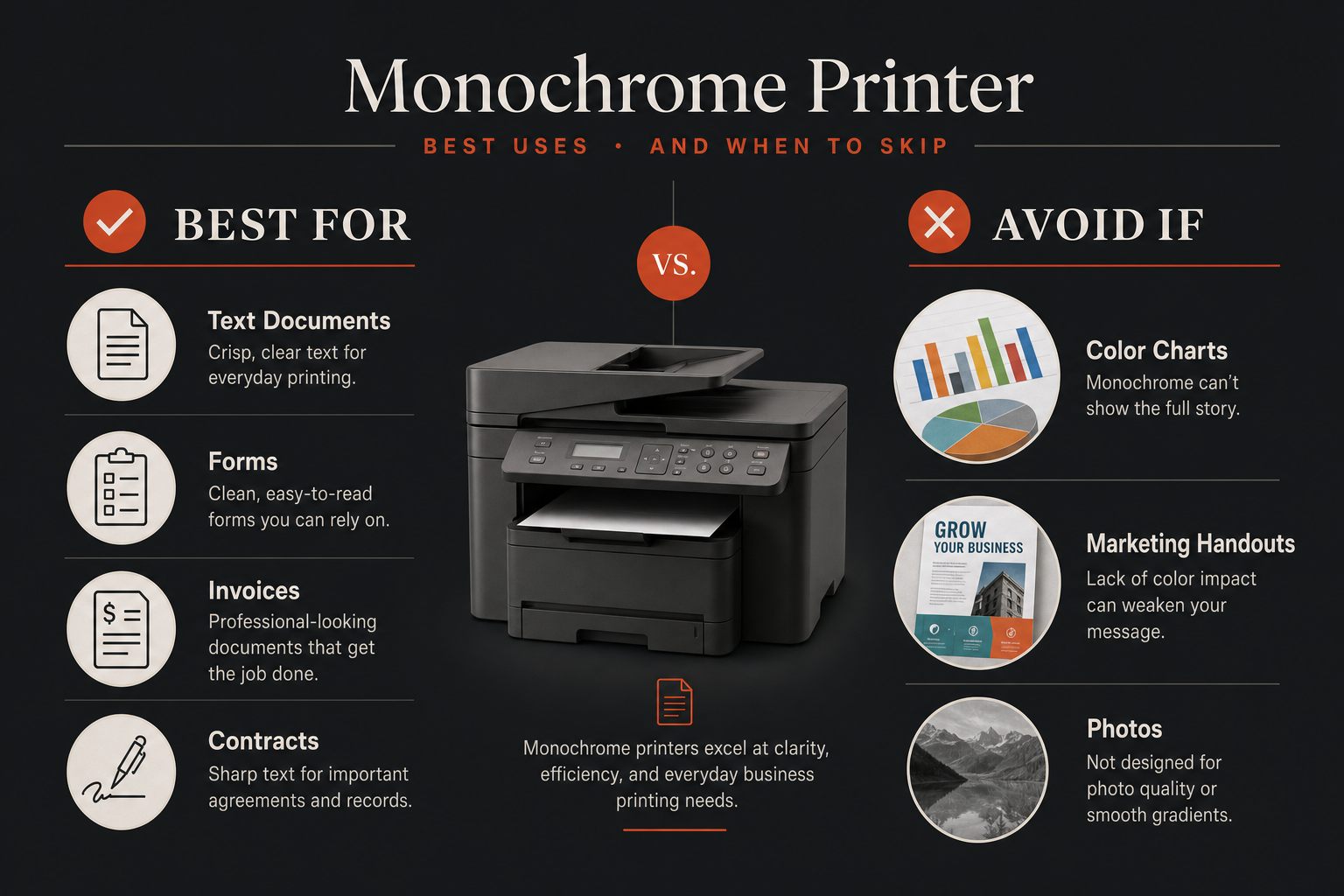
| Best for | Avoid if |
|---|---|
| Frequent black-and-white document printing | You need photo-quality color output |
| Home office paperwork, invoices, forms, labels, and contracts | You regularly print charts, branded materials, or classroom color visuals |
| Buyers who want print, scan, and copy functions in one device | You want one printer to cover both office documents and creative/photo tasks |
| Small businesses with text-heavy workflows | You expect occasional color flexibility from your main printer |
What we can say about value
Based on the verified information available here, the value case is clear in principle even without stretching into unsupported cost claims. If you print a lot of black-and-white pages and want scanning and copying built in, the DCP-L2640DW is positioned around a focused office workflow rather than broad versatility.
That is usually where this kind of printer earns its keep: repeated text-document use, not occasional household odds and ends. The mistake would be buying it because it seems practical, then discovering your practical needs still include color often enough to matter.
If your needs are narrow and document-heavy, that focus can be a strength. If your needs are mixed, it becomes a limitation.
Bottom line
The Brother DCP-L2640DW is easiest to recommend to buyers who already know they want a monochrome laser all-in-one for text-heavy work. In that role, the appeal is straightforward: fast black-and-white printing with scan/copy convenience for everyday office paperwork.
The caution is just as important. If there is any meaningful chance you will want color for charts, handouts, photos, or branded materials, this is probably the wrong printer category for you, regardless of how good the text-printing case looks on paper.
If your workflow is mostly documents and you want a focused office tool rather than an all-purpose color machine, this is the right kind of product to consider.
If you are also stocking a text-heavy setup, our Amazon Basics Multipurpose Copy Printer Paper review may be useful for the paper side of the equation.
FAQ
Is the Brother DCP-L2640DW worth it for a home office?
It can be, if your home office mainly prints black-and-white documents and you also want scan and copy functions in the same machine. If you expect regular color printing, it is a weak fit.
Is the Brother DCP-L2640DW good for small businesses?
It looks best suited to small businesses with text-heavy workflows such as invoices, forms, contracts, and shipping paperwork. Its value depends on whether monochrome output covers most of your actual print needs.
Can the Brother DCP-L2640DW print in color?
No. This is a monochrome laser multifunction printer, so buyers who need color output should look elsewhere.
What are the main pros and cons of the Brother DCP-L2640DW?
The main pro is fast monochrome printing with scan and copy functions in one device. The main con is that its toner-focused text value does nothing for buyers who need any meaningful color capability.
Is a monochrome laser printer better than an inkjet for text documents?
For buyers focused mainly on black-and-white documents, a monochrome laser printer is often the more logical category to consider. But that does not automatically make it better for every buyer, because the lack of color can be a deal-breaker depending on your workload.
Does the Brother DCP-L2640DW scan and copy well for office paperwork?
Its print, scan, and copy positioning is one of the main reasons to consider it for office paperwork. Based on the verified facts provided here, that multifunction convenience is part of its core appeal for document-heavy users.
Is the Brother DCP-L2640DW a good choice for high-volume printing?
It is aimed at home offices and small businesses printing lots of text documents, so that is the context where it makes the most sense. We are not making a specific volume or duty-cycle claim here because that would require direct manufacturer documentation.
What type of buyer should avoid the Brother DCP-L2640DW?
Anyone who needs color output, especially for photos, charts, branded handouts, or mixed document use, should probably skip it. That is the clearest reason not to buy this model.