Skip to content
Quick Answer
Research summary
This Dell 27 Plus 4K Monitor S2725QS review comes down to one practical question: do you want maximum sharpness and desktop space at 27 inches, or would a cheaper 1440p monitor do the job just as well? Based on the available evidence, the main reason to consider this model is simple: 4K at 27 inches is well suited to crisp text, dense spreadsheets, and a more detailed workspace for office and light creative use.
Dell specifies 3840 x 2160 resolution at up to 120 Hz with AMD FreeSync Premium. That supports both detailed desktop work and smoother gaming; players seeking refresh rates above 120 Hz should compare faster alternatives. See Dell’s S2725QS specifications. If your workday is mostly documents, browser tabs, editing timelines, or detailed desktop multitasking, it is easier to justify. If you mainly want fast-motion gaming performance, it is easier to skip.
The Product Shortlist may earn a commission from qualifying purchases. This does not affect our verdict.
Many monitor reviews blur together because they treat every 27-inch display as interchangeable. That is not very helpful here. The point of the Dell 27 Plus 4K Monitor S2725QS review is not whether 4K sounds nice on paper, but whether that extra pixel density is worth paying for in everyday use.
This is a RESEARCH-BASED REVIEW, not a first-hand test. So the useful way to frame it is around the clearest supported decision: this model is best understood as a sharp, workspace-focused 27-inch 4K monitor for office and creative users, with a meaningful limitation for buyers who want esports-style refresh rates.
What matters most with this monitor
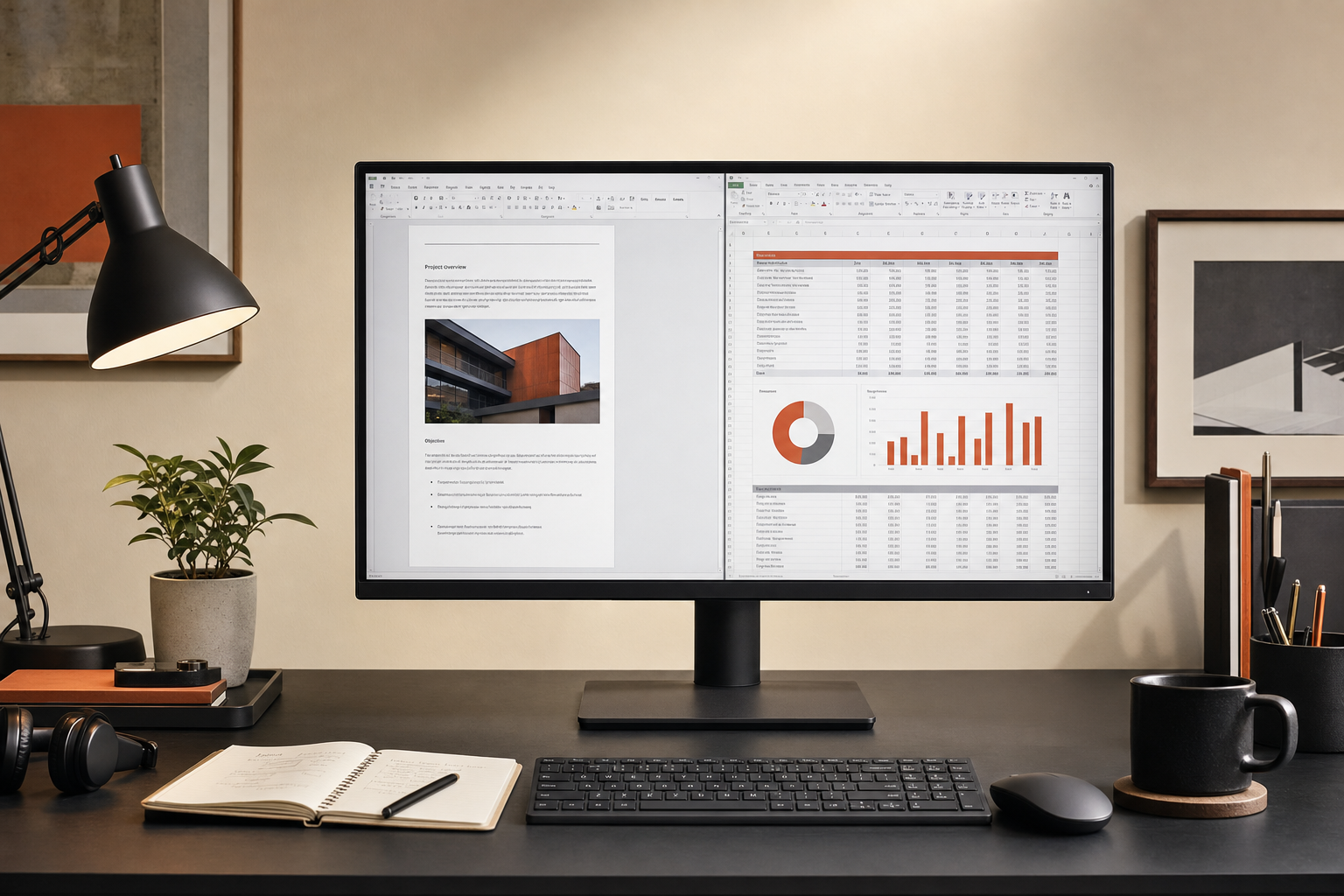
The strongest reason to buy this Dell is its positioning, not a flashy headline feature. A 27-inch 4K monitor can make small text look cleaner and let you work with more visible detail at once. For the right buyer, that matters every single day more than gaming-oriented specs do.
That makes the S2725QS most relevant if you regularly do things like:
- Read and write for long stretches
- Work across multiple windows, spreadsheets, or browser tabs
- Edit photos or creative assets where fine detail is easier to judge on a sharper panel
- Want a cleaner desktop view than many 27-inch 1440p monitors provide
The flip side is just as important. If you are shopping in the broad ‘best monitors’ category but really mean ‘best monitor for fast competitive gaming,’ this model is not aimed at you. Its up-to-120Hz refresh rate and AMD FreeSync Premium make it suitable for work and gaming, though competitive players prioritizing refresh rates above 120 Hz may prefer a faster display.
Who this monitor makes sense for
Best fit
The Dell 27 Plus 4K Monitor S2725QS is most appealing for office and creative users wanting sharp 4K text and workspace at 27 inches. That includes buyers who care more about clarity and usable screen real estate than motion performance.
Probably not the right fit
You should be cautious if your buying priority is ultra-high refresh gaming. Even without getting into unsupported spec details, the editorial positioning here is clear: this is a productivity monitor first, not a display built around competitive play.
Dell 27 Plus 4K Monitor S2725QS pros and cons
| Pros | Cons |
|---|---|
| 4K resolution is the main practical advantage for crisp text and detailed desktop work | Up to 120 Hz; buyers prioritizing refresh rates above 120 Hz should compare faster gaming displays |
| 27-inch size suits buyers who want a sharp monitor without moving to a larger desk footprint | Some buyers may get enough value from a cheaper 27-inch 1440p monitor instead |
| Well aligned with office work, reading, spreadsheets, and light creative tasks | Independent test-backed performance details are limited in the evidence available for this review |
27-inch 4K vs 27-inch 1440p: the real buying decision
This is the question many buyers should answer before they buy anything in this category.
If you are moving up from a lower-resolution display, 27-inch 4K can be worthwhile because it targets two common annoyances at once: text that does not look especially crisp and a desktop that feels cramped once you start stacking apps side by side. For office work, that often matters more than marketing extras.
At the same time, not everyone needs 4K at 27 inches. If your usage is mostly general browsing, email, streaming, and occasional documents, a 27-inch 1440p monitor may still feel perfectly adequate. The case for the Dell S2725QS gets stronger when your day actually benefits from sharper rendering and finer on-screen detail, not just when 4K sounds better in a spec list.
So, is Dell 27 Plus 4K Monitor S2725QS worth it? It is easier to justify if your work is text-heavy, detail-heavy, or multitasking-heavy. It is harder to justify if your main goals are saving money or getting a gaming-first experience.
Bottom line
The Dell 27 Plus 4K Monitor S2725QS looks most sensible for buyers who already know why they want 27-inch 4K: sharper text, more usable detail, and a more refined workspace for office or creative tasks. That is the strongest supported reason to consider it.
The main caution is equally clear. If you want a monitor primarily for ultra-high refresh competitive gaming, this is not the most convincing direction to take. In other words, the Dell 27 Plus 4K Monitor S2725QS review 2026 answer is fairly simple: good fit for productivity and light creative work, weaker fit for esports-focused buyers.
If that matches your use case, the next step is straightforward: Check the current price.
FAQ
Is the Dell 27 Plus 4K Monitor S2725QS worth it for office work?
For many office users, yes. The clearest reason is its 4K resolution at 27 inches, which is well suited to crisp text and a more detailed desktop workspace. That matters most if you spend long hours reading, writing, comparing documents, or working in spreadsheets.
Is 27 inches too small for 4K or is it ideal for sharp text?
For buyers who care about text clarity, 27 inches is often exactly why 4K is appealing. The size keeps the desk footprint manageable while giving you a sharper image than lower-resolution alternatives. Whether it feels worth it depends on how much you value that extra sharpness in daily work.
Is the Dell S2725QS good for photo editing or design work?
It appears better suited to light creative work than to gaming-first use because the key supported strength is detail and text clarity from the 4K resolution. We are not making stronger claims about color performance here because the evidence provided for this review does not verify those specifics.
Is the Dell S2725QS good for gaming?
The S2725QS supports 4K at up to 120 Hz and AMD FreeSync Premium, so it can serve both work and gaming. Competitive players who prioritize refresh rates above 120 Hz should compare faster alternatives, and every buyer should verify that their device and connection support the intended resolution and refresh rate.
Does the Dell S2725QS have the ports most buyers need?
We are not confirming specific port details in this article because they were not included in the verified facts supplied for writing. If connectivity is a deciding factor for you, check Dell’s official product page or manual before buying.
Does the stand adjust for height, tilt, swivel, or pivot?
This review does not confirm stand adjustment details because those facts were not verified in the source material provided. If ergonomics are important in your setup, confirm them directly through Dell documentation.
Does the Dell S2725QS support VESA mounting?
We are not stating VESA support as a fact here because that detail was not verified in the supplied evidence. Check Dell’s official specifications or user manual if mounting compatibility is essential for your desk setup.
Is this a better buy than a 27-inch 1440p monitor?
It depends on what you care about. If sharp text and extra desktop detail are high priorities, this 27-inch 4K monitor makes a stronger case. If your needs are more basic and budget matters more, a 27-inch 1440p monitor may still be the better value.
Who should buy the Dell 27 Plus 4K Monitor S2725QS?
Office and creative users who want sharp 4K text and more workspace at 27 inches are the best match. It makes the most sense for people who spend real time in documents, spreadsheets, multi-window workflows, or detail-focused desktop tasks.
Who should skip the Dell 27 Plus 4K Monitor S2725QS?
Buyers who need ultra-high refresh competitive gaming performance should skip it. They are likely better served by a monitor selected primarily for refresh-rate and motion priorities rather than 4K productivity sharpness.