Skip to content
If you’re considering the Dell 34 Plus USB-C Curved Monitor, the real question is not whether ultrawide monitors are generally useful. It is whether this specific format fits your desk, your laptop setup, and the way you work every day.
In this RESEARCH-BASED REVIEW, the Dell 34 Plus USB-C Curved Monitor looks most appealing for home-office users who want a wide single-screen workspace and the convenience of USB-C connectivity. The main reason to hesitate is simpler: a 34-inch curved monitor takes real desk space, and that trade-off matters more than spec-sheet jargon for many buyers.
Quick Answer
Research summary
The Dell 34 Plus USB-C Curved Monitor S3425DW makes the strongest case for buyers who want to replace a more cluttered setup with one large, single-screen workspace and a USB-C connection for a cleaner laptop desk. Its biggest advantage is practical: an ultrawide layout can make side-by-side work easier without the bezel break of two separate displays.
The main drawback is also practical: this is a large curved panel that demands substantial desk space and is less portable than a standard monitor. If your desk is shallow, narrow, or already crowded, that trade-off may outweigh the convenience.
The Product Shortlist may earn a commission from qualifying purchases. This does not affect our verdict.
What this monitor does well
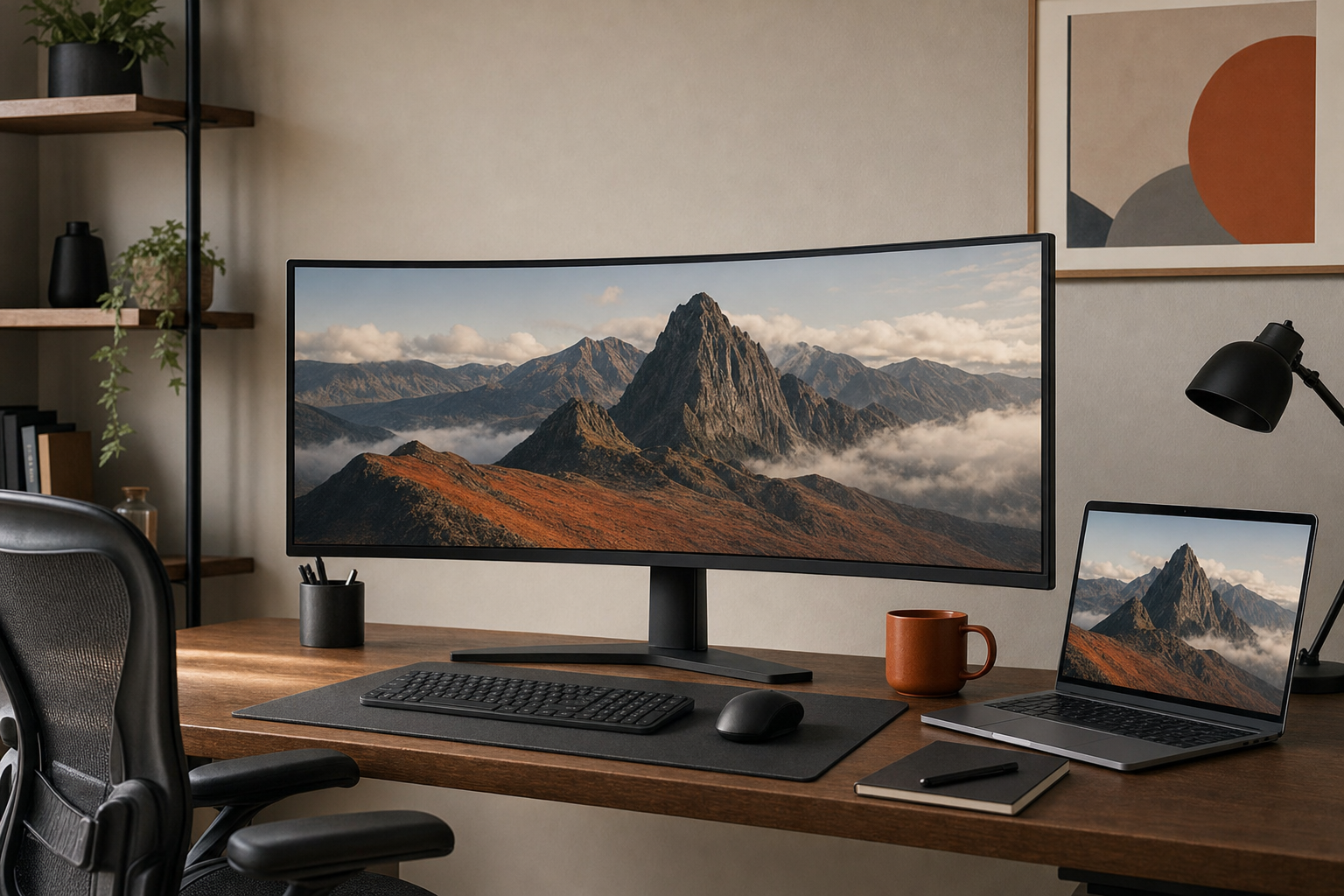
The strongest reason to consider this model is straightforward: a 34-inch ultrawide format paired with USB-C connectivity is aimed at productivity users, not buyers chasing gaming-style marketing. If your workday involves keeping multiple windows open, comparing documents, managing spreadsheets beside email, or keeping chat and browser tabs visible at the same time, a wide single display can feel more natural than constantly stacking or minimizing windows.
USB-C matters here because it supports the kind of desk setup many laptop users actually want: fewer cables and a simpler connection path. For the right buyer, that is the real appeal of this category. It is less about owning a large monitor for its own sake and more about reducing clutter while keeping a broad workspace in front of you.
This is also the kind of monitor that may appeal to buyers deciding between an ultrawide and a more traditional office display. If you already know you prefer one continuous screen over two separate panels, the Dell 34 Plus USB-C Curved Monitor review case becomes much easier: the format itself is the selling point.
The main trade-off: size is both the benefit and the risk
The Dell 34 Plus USB-C Curved Monitor pros and cons come down to the same thing: size. The large curved panel gives you a broad working area, but it also asks more from your desk than a standard monitor.
That matters in normal home-office use. A big display can dominate a compact desk, limit where accessories fit, and make the overall setup feel heavier and less flexible. If you frequently rearrange your space, move between rooms, or work from a smaller desk, a 34-inch curved monitor may solve one problem while creating another.
Buyers sometimes focus too much on abstract display terms and not enough on physical fit. For this product, the physical fit question should come first. If your desk comfortably supports a large central display and you want that immersive single-screen layout, the trade-off may be worth it. If not, this category can become frustrating fast.
Who should buy the Dell S3425DW
- Home-office users who want an ultrawide curved monitor with USB-C connectivity
- Laptop users trying to create a cleaner, simpler single-cable style desk setup
- People who prefer one continuous workspace instead of managing two separate monitors
- Productivity-focused buyers who care more about multitasking room than compactness
If that sounds like your setup, then the answer to is Dell 34 Plus USB-C Curved Monitor worth it is often yes in principle, because the product’s core strength matches your workflow.
Who should skip it
- Anyone with a small desk or limited depth in front of the monitor
- Buyers who need a compact dual-monitor replacement rather than a large central display
- People who prefer a lighter, simpler, easier-to-place monitor size
- Users who are undecided about ultrawide layouts and may be happier with a more conventional screen shape
If you are short on space, the biggest risk is buying into the idea of an ultrawide before confirming whether your desk can support it comfortably. In that case, a smaller alternative may be easier to live with day to day.
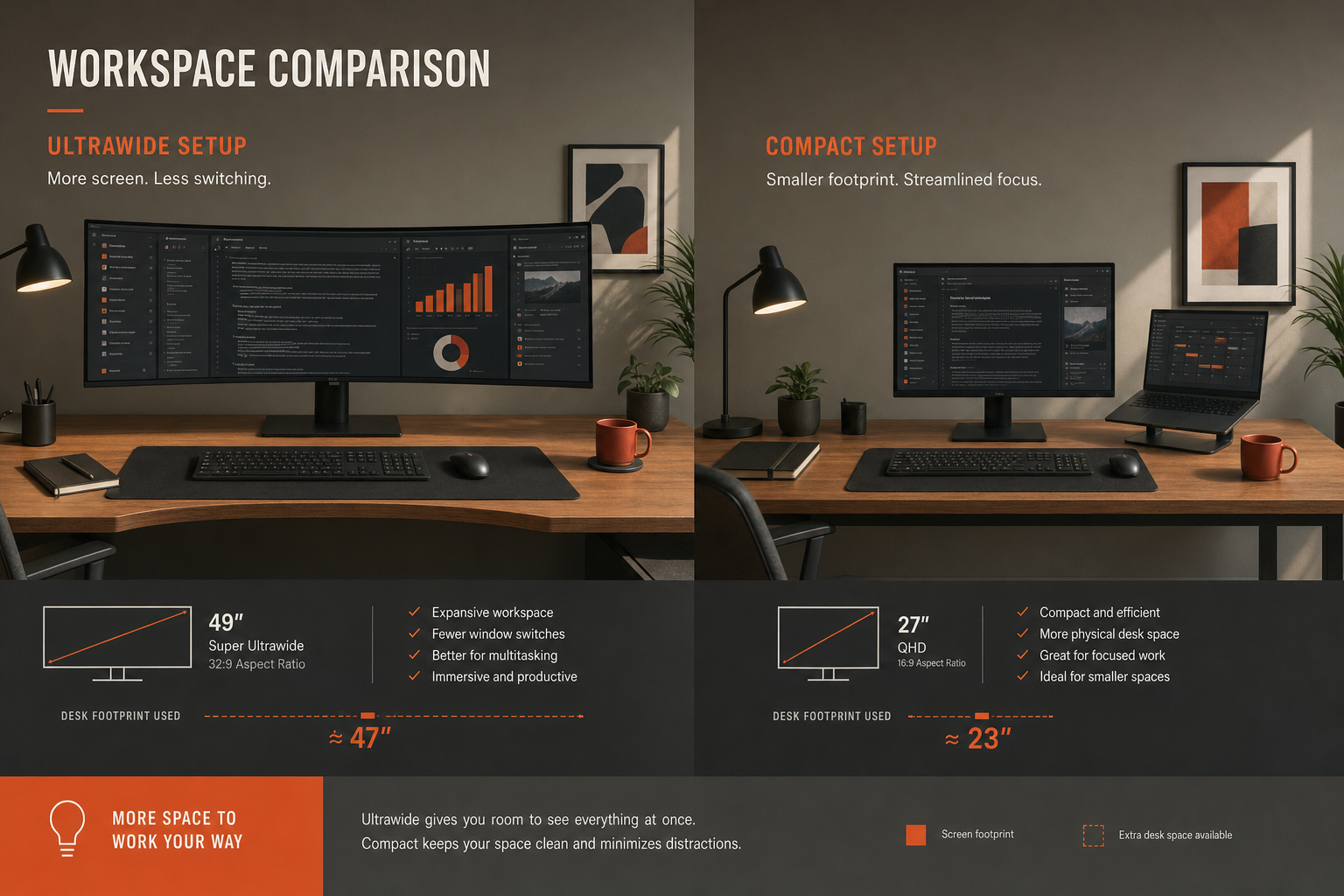
Ultrawide vs a 27-inch 4K monitor or a dual-monitor setup
This is where many buyers get stuck, and it is the most useful comparison to make before purchasing.
A 34-inch ultrawide like this one makes the most sense if you want a single continuous workspace and dislike the split between two displays. That can be helpful for side-by-side documents, broad timelines, and general multitasking where window management matters more than compactness.
A 27-inch 4K monitor may be the better choice if your desk is tighter or if you prefer a more conventional layout. If you want to explore that route, our Dell 27 Plus 4K Monitor S2725QS review covers a more traditional monitor direction.
A dual-monitor setup can still make sense if you like separating tasks across two distinct screens. But if you specifically want to reduce visual breaks and simplify the desk, an ultrawide has a clearer logic.
The key point is this: don’t buy a 34-inch curved monitor because it sounds more premium. Buy it because the single-screen format genuinely fits how you work.
Bottom line
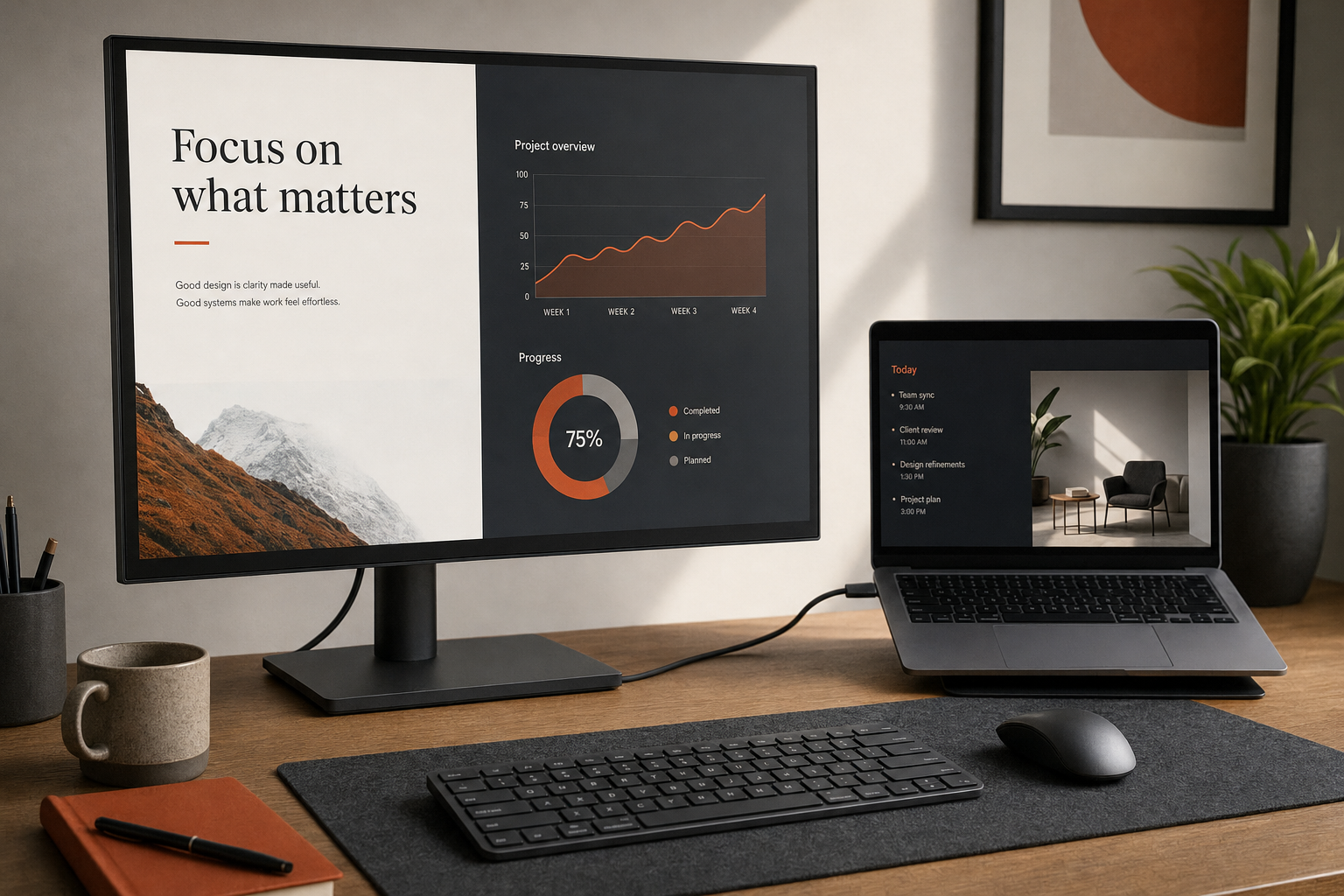
The Dell 34 Plus USB-C Curved Monitor review takeaway is fairly simple. This model looks best for home-office buyers who already want an ultrawide and understand the physical-space trade-off. Its strongest case is a wide, productivity-friendly single-screen workspace with USB-C convenience for laptop users. Its biggest caution is that the large curved form factor will not suit every desk or every workflow.
If your desk can handle it and you want a cleaner single-screen setup, this is the kind of monitor category that can make sense. If your space is limited or you are unsure about living with a wide curved display, a smaller conventional monitor is probably the safer buy.
FAQ
Is the Dell 34 Plus USB-C Curved Monitor worth it for home office use?
It can be, especially if you want a wide single-screen workspace and USB-C connectivity for a cleaner laptop setup. The deciding factor is usually desk fit rather than abstract performance claims.
Who is the Dell S3425DW best for?
It is best for home-office users who want an ultrawide curved monitor with USB-C connectivity and prefer one large display over a dual-monitor arrangement.
What is the main downside of the Dell 34 Plus USB-C Curved Monitor?
The main downside is its physical size. A 34-inch curved monitor takes substantial desk space and is less flexible than a more standard monitor size.
Is a 34-inch ultrawide better than two monitors for productivity?
It depends on your preference. An ultrawide is often better if you want one continuous workspace and less desk clutter. Two monitors may suit you better if you prefer clearly separated screens for different tasks.
Does the Dell 34 Plus USB-C Curved Monitor help reduce desk clutter?
That is one of the main reasons to consider it. The USB-C connection is part of the appeal for buyers trying to simplify a laptop-based desk setup.
Should you buy this monitor or a 27-inch 4K monitor instead?
Choose this type of 34-inch ultrawide if you want a broader single-screen workflow and have the desk space for it. A 27-inch 4K monitor is often the safer option if your desk is smaller or you prefer a more conventional layout.