Skip to content
 If you are considering the Kindle Scribe, the main decision is not just whether it is a good Kindle. It is whether a large-screen Kindle with handwriting support fits your actual workflow better than a standard Kindle, a paper notebook, or a more flexible tablet.
This RESEARCH-BASED REVIEW takes that approach. Based on the available product framing and documented feature set referenced in official Amazon materials, the Kindle Scribe 32GB makes the most sense for buyers who are primarily readers first and occasional or regular handwritten note-takers second. It is less convincing if you want a full productivity device, broad app support, or a highly advanced digital notebook workflow.
Quick Answer
Research summary
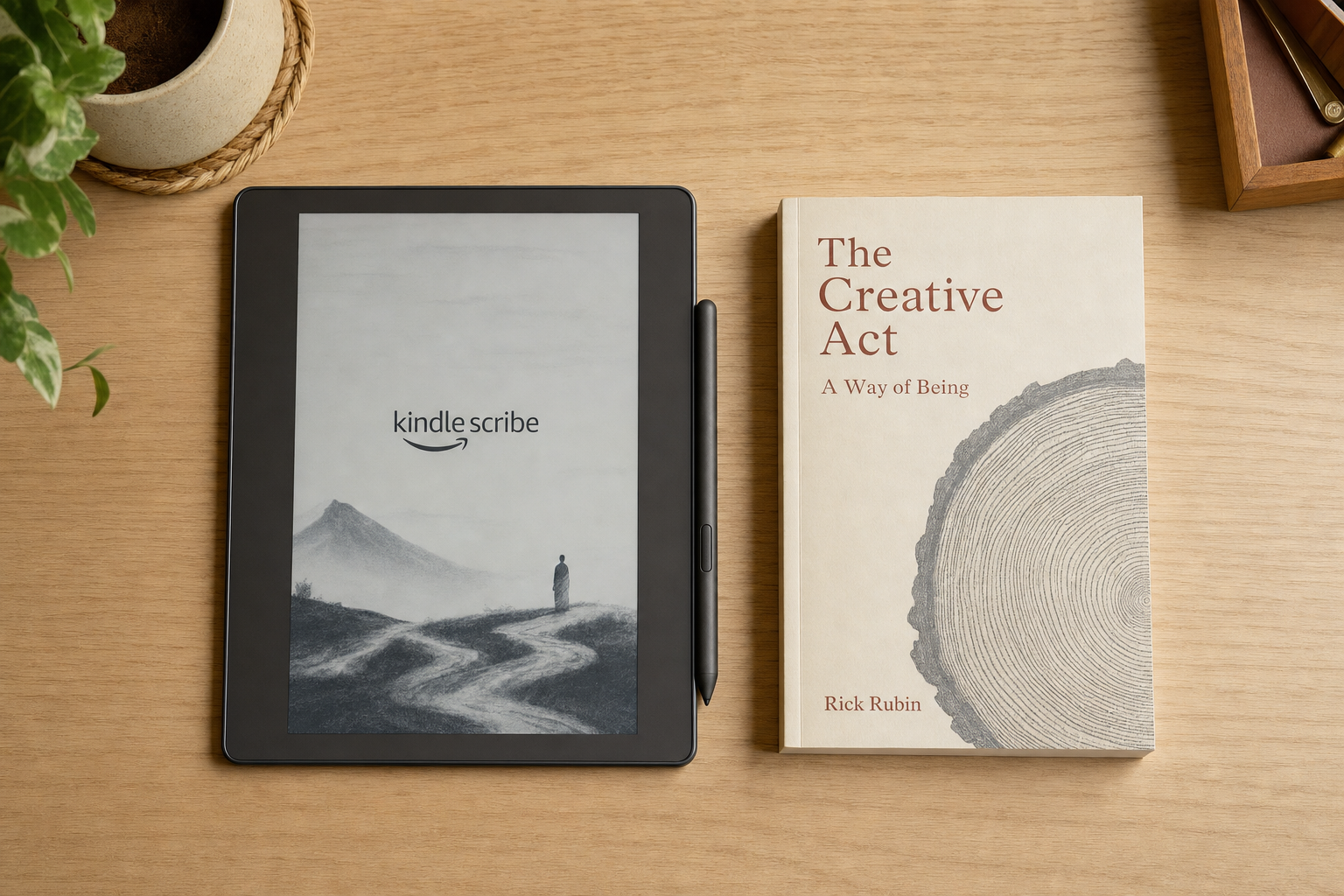
The Amazon Kindle Scribe 32GB looks most appealing for people who want one device for long-form reading and handwritten notes on a large 11-inch screen. The 32GB capacity and Premium Pen may be worthwhile if you expect to keep more documents or care about getting the fuller pen package from the start. The bigger question is whether you want a reading-first e-reader with writing features, or a writing-first device with more advanced organization and productivity tools.
That distinction matters because the Scribe sits in the middle: broader and more writing-friendly than a standard Kindle, but not necessarily the best fit for buyers expecting tablet-like flexibility.
The Product Shortlist may earn a commission from qualifying purchases. This does not affect our verdict.
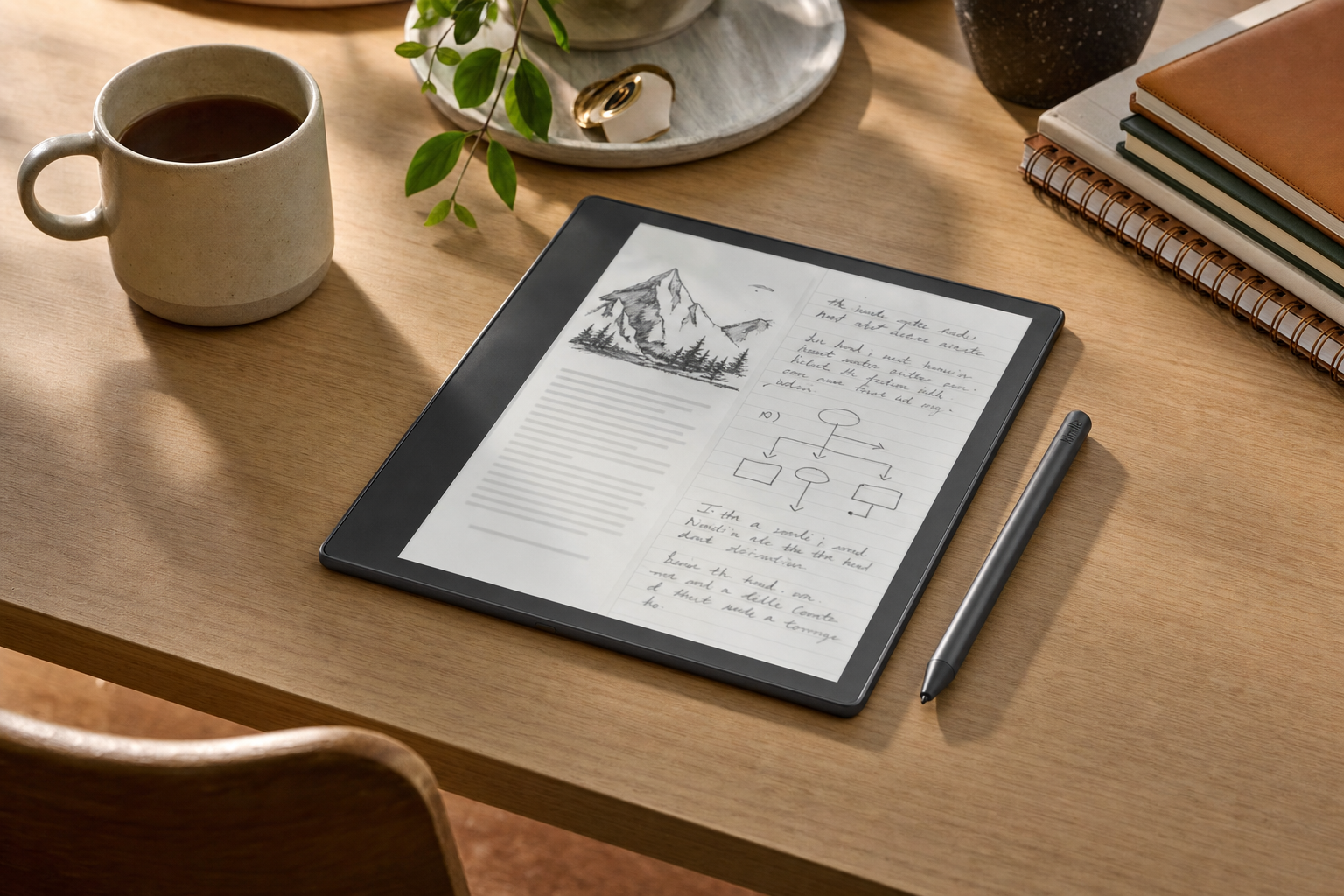
What this device is really for
The clearest way to evaluate an amazon kindle scribe review is to separate two jobs:
- Reading: a large e-reader experience inside the Kindle ecosystem
- Writing: handwriting support for notes, markups, and paper-like input with a pen
For some buyers, that combination is exactly the point. A large display can make reading more comfortable for PDFs, larger text layouts, or people who simply prefer more on-screen space than a smaller Kindle offers. Handwriting support adds a second use case without moving you into a full tablet category.
But that also frames the likely limit: if your top priority is robust document handling, deep file management, or an all-purpose work device, the Scribe may feel narrow rather than flexible. That is not necessarily a flaw. It just means you should buy it for the right reason.
Main tradeoffs to understand before buying
The strongest reason to consider the Kindle Scribe is convenience through consolidation: one Amazon reading device that also handles handwritten notes. For the right buyer, that is cleaner than carrying both a Kindle and a notebook.
The main caution is that convenience is not the same as replacing every adjacent device. A digital notebook buyer may care about how notes are organized, how files move in and out, what annotation behavior is supported, and how easily handwritten material fits into a wider workflow. Those questions matter more here than in a normal Kindle purchase.
That is also where many reviews get vague. The Scribe should not be assumed to replace an iPad, nor should it automatically be treated as equivalent to a specialized e-ink notebook. It sits in its own lane: reading-first, handwriting-capable, and likely best when you want fewer distractions rather than more computing power.
In other words, the value depends less on whether the feature list sounds good and more on whether your daily use actually matches that lane.
Who should buy it
It makes the most sense for:
- Readers who want a larger Kindle screen than the standard models offer
- People who like the idea of reading and handwriting on one device
- Buyers who already prefer the Kindle ecosystem and want to stay inside it
- Note-takers who want a simpler, more focused experience than a general-purpose tablet
- Shoppers choosing specifically between Kindle Scribe for note taking and carrying separate paper notebooks
If that sounds like you, the Kindle Scribe 32GB may be a sensible buy, especially if storage peace of mind and the Premium Pen package are part of the appeal.
Who should skip it
Look elsewhere if you want:
- A lower-cost Kindle mainly for straightforward reading
- A full tablet replacement with broad app and multitasking flexibility
- A highly advanced note-management or document-heavy workflow without compromise
- A purchase based mainly on handwriting, if your reading use is secondary
That last point is important. If reading is your main job, the Scribe’s note features may feel like a useful bonus. If advanced writing workflow is the whole job, this category gets more competitive very quickly.
Bottom Line
The Kindle Scribe 32GB looks easiest to justify when you want a large Kindle first and a digital notebook second. That is the cleanest reading of its appeal, and probably the fairest one.
If your goal is distraction-light reading plus handwritten notes in a single Amazon device, it is worth a closer look. If you are hoping it will fully replace a tablet or a more specialized digital notebook, be careful: that expectation is where buyer disappointment is most likely.
FAQ
Is the Amazon Kindle Scribe worth it for note-taking?
It can be, but mostly for buyers who also want a large Kindle for reading. The strongest case is not pure note-taking in isolation. It is combining reading and handwritten notes on one device.
Is Kindle Scribe better for reading or writing?
Based on its positioning, it makes the most sense as a reading-first device with writing features. That framing helps set realistic expectations before you buy.
What does the Premium Pen add on the Kindle Scribe?
The Premium Pen matters most for buyers who expect to write regularly and care about getting the fuller pen experience from the start. If handwriting is only occasional, its value is easier to question.
Is 32GB enough storage for Kindle Scribe?
For many buyers, 32GB should mainly be viewed as the more comfortable option if you expect to keep more books, notes, or documents on the device. If your use is lighter, the extra storage may be less important than the screen and pen features themselves.
Can you write directly on books with Kindle Scribe?
You should verify the exact annotation behavior for your intended content type on Amazon’s official product and support pages before buying. That detail can affect whether the device fits your workflow.
How good is Kindle Scribe for PDF annotation?
PDF use is one of the areas where exact behavior matters. If PDFs are central to your work or study routine, check Amazon’s documentation closely rather than assuming it will behave like a tablet or a specialized document markup tool.
Is Kindle Scribe a replacement for an iPad or reMarkable?
Not automatically. The safer way to think about it is as a large Kindle with handwriting support, not a universal substitute for every tablet or digital notebook use case.
Who should buy the 11-inch Kindle Scribe?
Readers and note-takers who want a larger screen, prefer a more focused device, and like the idea of keeping reading and handwritten notes together are the best fit.
What are the main downsides of the Kindle Scribe?
The main risk is expectation mismatch. Buyers wanting advanced productivity tools, broad software flexibility, or a fully featured digital notebook workflow may find it too limited for the price and purpose.