Skip to content
 If you are considering the APC Back-UPS Pro 1500VA UPS, the real question is not whether a UPS is useful. It is whether this specific unit fits the equipment you want to protect. For most buyers, that comes down to a simple job: keeping a desktop PC, monitor, router, modem, or home-office setup alive long enough to ride through brief outages or shut down cleanly.
This RESEARCH-BASED REVIEW focuses on that decision. The APC BX1500M looks most sensible for desk-bound electronics that benefit from battery backup and automatic voltage regulation, but less sensible if you expect long runtime or want to support high-draw devices such as heaters or printers.
Quick Answer
Research summary
The APC Back-UPS Pro 1500VA UPS is worth considering if your goal is practical outage protection for a desktop PC, networking gear, or a home-office desk setup. Its clearest strength is the combination of battery backup and automatic voltage regulation, which can help prevent abrupt shutdowns and protect work during short power problems.
The main trade-off is just as important: runtime is limited, and UPS batteries are consumables that will eventually need replacement. This is not the right tool if you want long-duration backup power or plan to run high-draw equipment from the battery side.
The Product Shortlist may earn a commission from qualifying purchases. This does not affect our verdict.
Who this UPS makes sense for
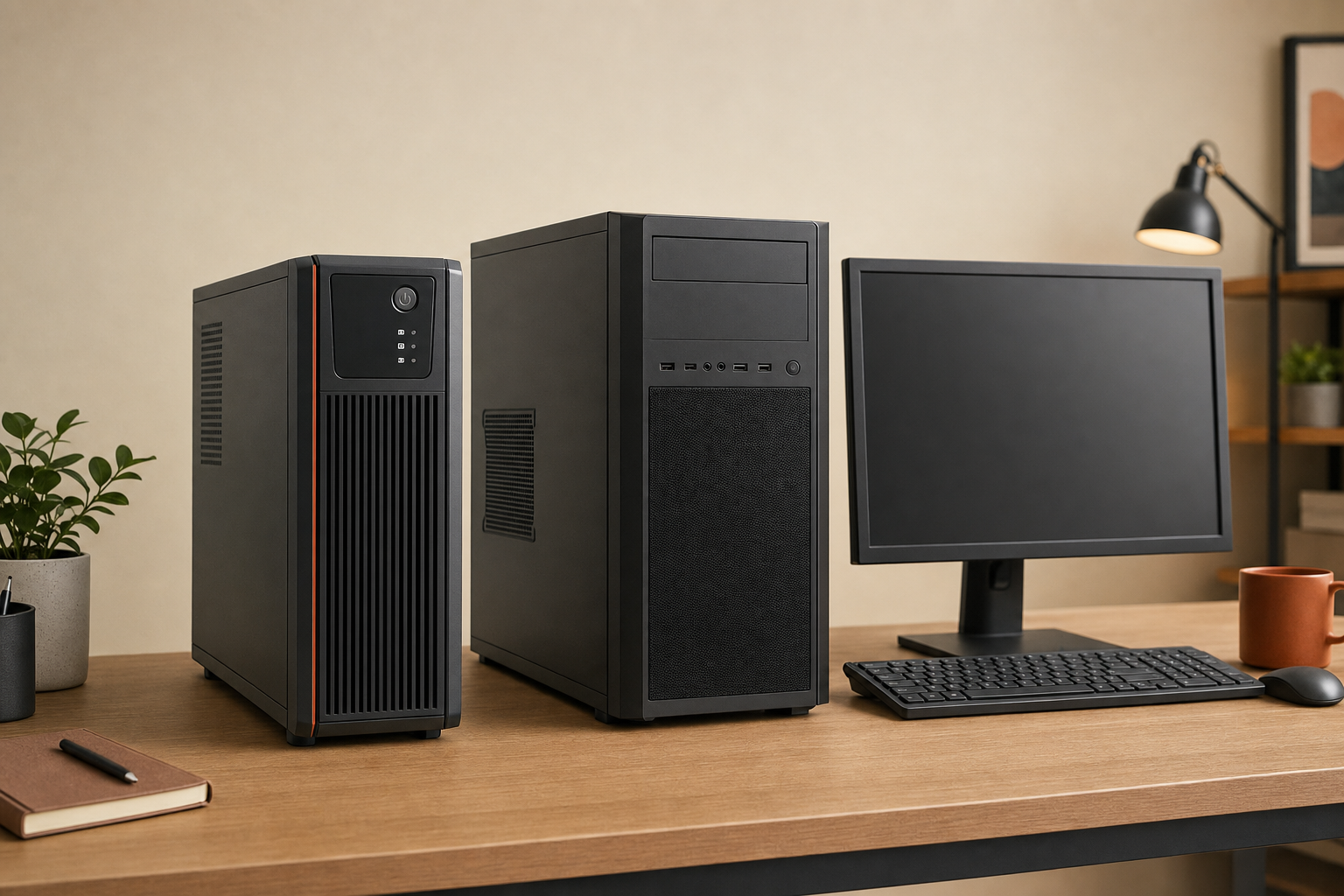
The strongest fit for the BX1500M is a buyer who wants to protect equipment that is sensitive to sudden power loss rather than equipment that simply draws a lot of power.
- Good fit: desktop PCs, a monitor, router, modem, and typical home-office gear that needs enough backup time to save work and shut down safely.
- Potentially a good fit: gaming PC owners who mainly want protection from short outages and voltage dips, not extended play time during an outage.
- Poor fit: anyone expecting long runtime or planning to back up heaters, laser printers, or other high-draw devices.
That distinction matters because many shoppers see ‘1500VA’ and assume long-lasting battery power. In practice, UPS buying is more about matching the unit to the job: brief outage protection, brownout protection, and shutdown safety.
What the APC Back-UPS Pro 1500VA UPS does well
The biggest reason to buy a unit like this is not convenience. It is risk reduction. If your PC or networking setup loses power suddenly, you can lose unsaved work, interrupt transfers, or force an improper shutdown. A UPS helps by providing short-term battery backup when power drops out.
The key strength called out for this model is automatic voltage regulation. In plain English, that means it can help manage lower-than-normal incoming voltage conditions without treating every fluctuation like a full outage. For a home office or desktop setup, that can be a meaningful advantage because not every power problem is a total blackout.
That makes the BX1500M most appealing for buyers who want a practical layer of protection for:
- desktop computing
- router and modem uptime during short interruptions
- clean shutdowns that reduce the chance of data loss
- everyday brownout protection for desk electronics
If your main priority is keeping internet and work gear stable through brief interruptions, this is the use case where the product category makes the most sense.
The main trade-off: runtime is limited and batteries wear out
The biggest mistake buyers make with products in this category is expecting them to behave like small generators. That is not what this unit is for.
The BX1500M is better understood as a bridge: enough backup power to help ride through short outages or give you time to save work and shut down. As load goes up, runtime goes down. So the more demanding your connected gear is, the less time you should expect on battery.
The second reality is battery lifespan. UPS batteries are consumables. That does not make the product a bad buy, but it does mean ownership includes maintenance expectations over time. If you want something you can buy once and ignore indefinitely, a UPS may feel more demanding than it first appears.
This is why the APC Back-UPS Pro 1500VA UPS review question is really about expectations. If you want brief-outage protection, it can make sense. If you expect long-duration backup power, it is the wrong category of product.
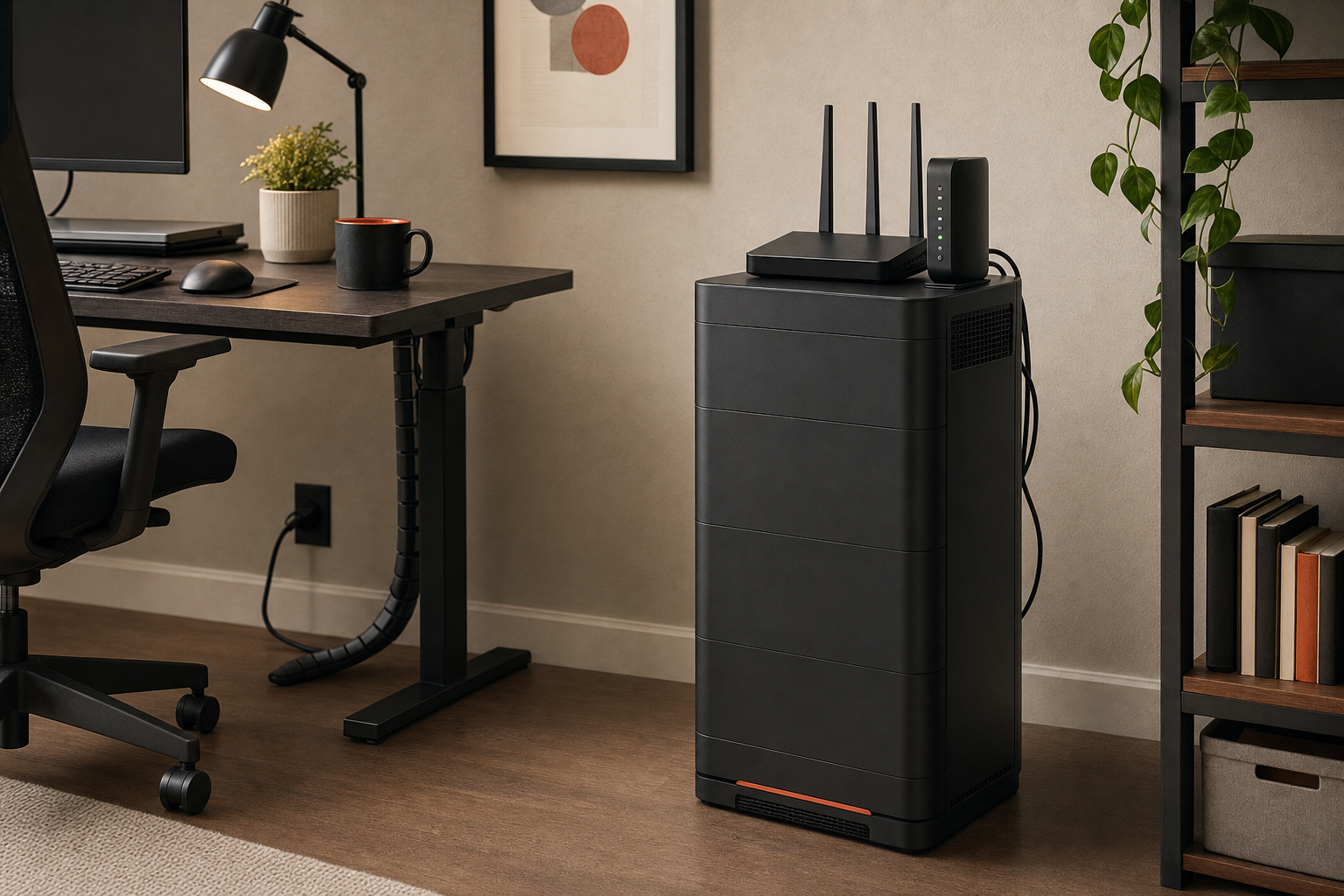
What not to expect from the BX1500M
The BX1500M is not a universal battery bank for anything with a plug. Buyers should be especially careful with high-draw equipment.
- Do not treat it as a long-runtime solution for outage-heavy environments.
- Do not assume ‘1500VA’ tells you the full usable power story in everyday terms.
- Do not plan around battery backup for heaters, printers, or similar high-draw devices.
This matters because ‘VA’ and usable output are not the same thing in buyer language. For most people, the takeaway is simple: a UPS can support only a certain real load, and battery duration drops as that load rises. If you are close to the unit’s limits, the experience becomes less forgiving.
That is also why this model is a better match for desktop electronics than for devices that create heat or have sharp power demands. If your goal is to protect a PC, monitor, and networking gear, you are thinking about it the right way. If your goal is to run appliances or demanding office equipment for extended periods, you are not.
Buying guidance: is it worth it?
If your desk setup contains work or networking equipment that should not shut off abruptly, the APC Back-UPS Pro 1500VA UPS is a reasonable product to consider. Its value comes from practical protection: battery backup for short outages and automatic voltage regulation for unstable power conditions.
If, however, you are shopping for long runtime, very heavy loads, or broad compatibility with devices that should not be on battery backup, this will likely disappoint you.
In short, this is a needs-based buy. It makes more sense as protection for a desktop PC, router, modem, and home-office gear than as a general-purpose outage solution for everything nearby.
FAQ
Is the APC Back-UPS Pro 1500VA UPS worth it for a desktop PC?
It can be, especially if your goal is to protect a desktop PC from brief outages and give yourself time for a proper shutdown. That is a better fit than expecting long-duration battery power.
How long will the APC BX1500M run during a power outage?
Runtime depends on the connected load. The more power your equipment draws, the less time you get on battery. This review does not provide a time estimate because that should be verified against official APC runtime documentation for your specific setup.
Can the APC Back-UPS Pro 1500VA UPS power a router and modem?
That is one of the clearer use cases for a UPS in this class. Routers and modems are exactly the kind of lower-draw home-office or networking gear buyers often want to keep running during short outages.
What devices should not be plugged into the APC BX1500M?
Buyers should be cautious with heaters, printers, and other high-draw equipment. This type of UPS is better suited to electronics such as PCs, monitors, routers, and modems than to devices with heavy power demands.
Does the APC Back-UPS Pro 1500VA UPS have automatic voltage regulation?
Yes. Automatic voltage regulation is one of the main reasons this model stands out for desk and home-office protection.
Is the APC BX1500M good for gaming PCs?
It may be a reasonable fit if you want protection from brief outages and voltage dips. It is less appealing if you expect to keep a high-power gaming setup running for long on battery.
How often do UPS batteries need replacement?
UPS batteries are consumables and will eventually need replacement, but the replacement interval should be confirmed from official APC guidance and real-world conditions rather than guessed.
What is the difference between 1500VA and usable wattage on a UPS?
VA does not tell the whole story in practical buyer terms. The short version is that a UPS has both an apparent power rating and a real usable output limit, which is why shoppers should not assume ‘1500VA’ automatically means broad support for any plugged-in device.