Skip to content
 Quick Answer
Research summary
The Brother HL-L2460DW Wireless Monochrome Laser Printer makes the most sense for a home office that mainly prints plain black-and-white documents and wants to avoid the usual inkjet frustration of dried-out cartridges. Its biggest appeal is simple: a compact monochrome laser printer is often a cleaner fit for text-heavy printing than an all-in-one inkjet.
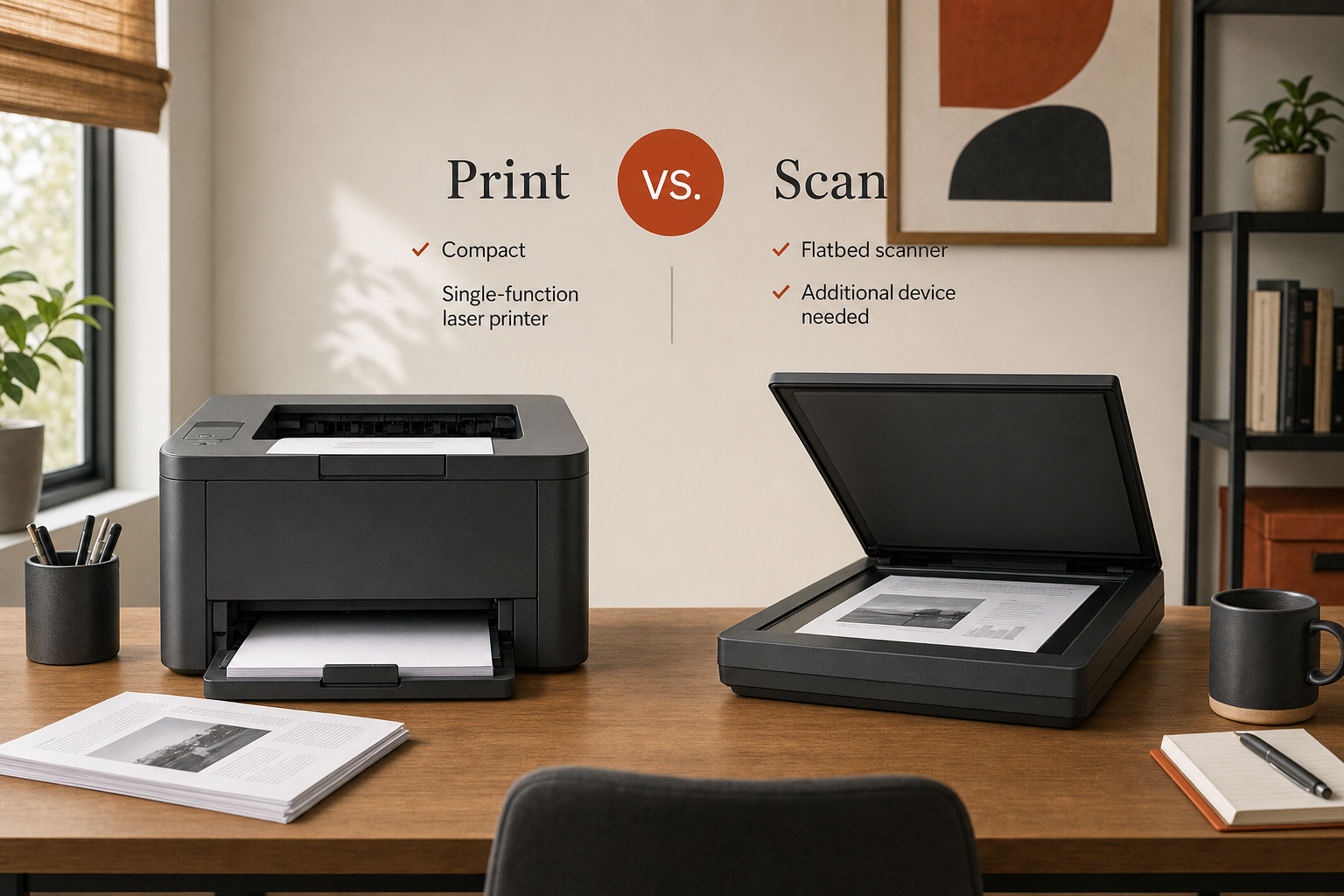
The main catch is just as important. This is a single-function printer, so if you need to scan, copy, or print in color, this model can create extra friction because you may need a second device. That trade-off matters more than any marketing spec.
The Product Shortlist may earn a commission from qualifying purchases. This does not affect our verdict.
For buyers searching for a Brother HL-L2460DW Wireless Monochrome Laser Printer review, the real question is not whether this printer can print documents. It is whether a compact, black-and-white-only laser printer matches the way you actually work.
This is a RESEARCH-BASED REVIEW, so the goal here is to make that decision easier without pretending every unanswered detail is confirmed. Based on the verified editorial inputs available, the HL-L2460DW looks most appealing for home offices that want straightforward text printing and do not want an inkjet sitting unused between jobs.
What this printer is really buying you
The clearest reason to consider the Brother HL-L2460DW is convenience over time. If your printing is mostly invoices, school forms, return labels, drafts, checklists, or other text documents, a monochrome laser printer can be a practical choice because it avoids the common annoyance of ink drying out during gaps between print jobs.
That matters most for occasional printers, not just heavy users. Plenty of home-office buyers do not print every day, but still want the printer to work when needed. In that context, the HL-L2460DW’s strongest appeal is not excitement or extras. It is lower hassle.
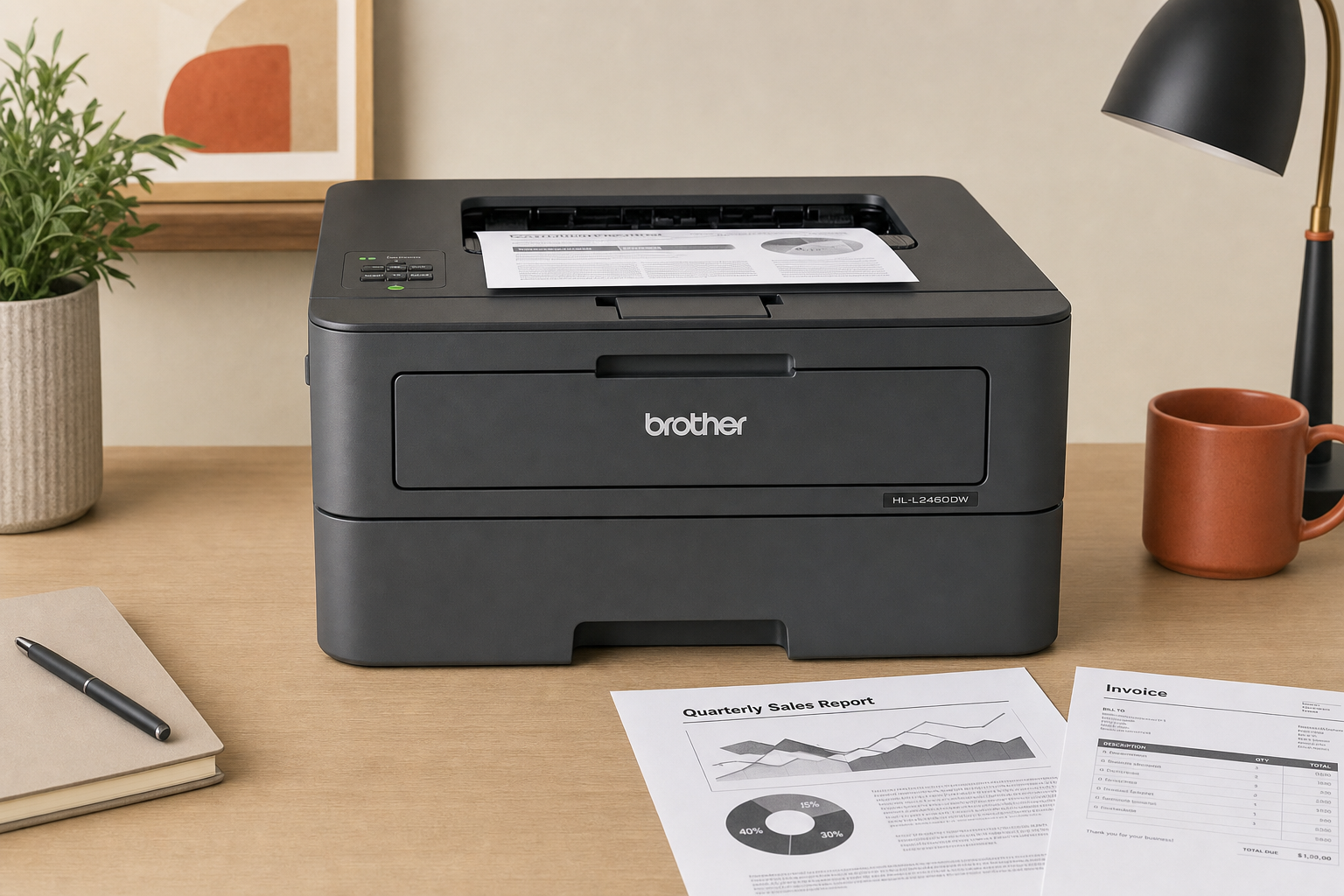
The trade-off is equally clear. Because this model is built as a single-function printer, it does not solve scanning or copying needs on its own. If your workflow includes signing forms, digitizing paperwork, copying IDs, or sending paper documents back by email, the lack of built-in multifunction hardware may become the deciding downside.
Who should buy the Brother HL-L2460DW
Best fit
- Home offices that print mostly black-and-white documents
- Buyers who want a compact printer footprint
- People who are tired of inkjet maintenance for text printing
- Households that already have a separate scanner or rarely need one
Probably skip if
- You need an automatic document feeder
- You need scanning or copying built in
- You need color output
- You want one device to handle every paper task
Brother HL-L2460DW Wireless Monochrome Laser Printer pros and cons
| Pros | Cons |
|---|---|
| Monochrome laser design is a strong fit for text-focused home-office printing | Single-function design means no built-in scanning or copying |
| Compact positioning is a major advantage for smaller workspaces | Black-and-white-only output limits flexibility |
| Likely a better match than an inkjet for buyers trying to avoid ink-drying headaches | Some buyers may end up needing a second device for document handling |
| Wireless positioning makes sense for shared home-office use | If your needs expand, this can feel too narrow |
What buyers should verify before purchasing
Because the available evidence for this page is intentionally limited, there are a few details you should confirm on Brother’s official product page or manual before buying. These checks matter if your setup is specific or if you are comparing this model against another laser printer.
- Whether the exact connectivity options fit your setup, including USB versus Wi-Fi use
- Whether duplex printing is included for your needs
- Paper tray capacity and supported paper sizes
- Mobile printing compatibility for the devices you use
- Toner replacement details and running-cost expectations
If those points are central to your decision, do not guess. Verify them directly before purchasing.
How it compares to a multifunction Brother alternative
The closest practical question is not whether this printer is good in isolation. It is whether you would be better served by a Brother multifunction laser model instead.
If your work regularly involves both printing and scanning, a multifunction option will usually make more sense than forcing a single-function printer into a two-device routine. In Brother’s own lineup, the more relevant alternative is the Brother DCP-L2640DW Wireless Monochrome Laser Multifunction Printer, which is a better direction to consider if scanning and copying are part of normal weekly use.
On the other hand, if you genuinely just need reliable black-and-white printing and want to keep your setup simple, the HL-L2460DW may be the cleaner choice precisely because it does less.
Bottom line
If your home office mainly prints text and you do not want the maintenance headaches often associated with an idle inkjet, the Brother HL-L2460DW is easy to understand. Its appeal is focused, not broad: compact monochrome laser printing in a wireless home-office format.
The reason to hesitate is also straightforward. If scanning, copying, or color matter even semi-regularly, this printer can save hassle in one area while creating hassle in another.
That makes this a narrow but sensible buy for the right person. Before you decide, confirm the exact specs that matter to your setup and be honest about how often you need more than plain document printing.
FAQ
Is the Brother HL-L2460DW a good printer for a home office?
It can be a good fit for a home office that mostly prints black-and-white documents and does not need built-in scanning or copying. Its strongest case is simple text printing with less ink-related hassle than an inkjet.
Is Brother HL-L2460DW worth it if you only print black and white?
Yes, that is the clearest use case. If your printing is mostly documents and forms, a monochrome laser printer like this is easier to justify than a more feature-heavy all-in-one.
Does the Brother HL-L2460DW scan or copy documents?
No built-in scanning or copying is supported by the editorial inputs for this page. The key limitation is that it is a single-function printer.
What is the main downside of the Brother HL-L2460DW?
The biggest downside is its single-function design. If you also need to scan or copy paperwork, you may need a separate device, which reduces the convenience of having one machine handle everything.
Is a monochrome laser printer better than an inkjet for occasional document printing?
For many text-focused buyers, yes. The main advantage is avoiding the ink-drying headache that can make infrequent inkjet use frustrating. That benefit matters most when color printing is not important.
Who should avoid the Brother HL-L2460DW?
Skip it if you need color, scanning, copying, or an automatic document feeder. Those buyers are usually better served by a multifunction printer.
Does the Brother HL-L2460DW support duplex printing?
Duplex printing is a detail buyers should verify on Brother’s official documentation before purchase. This page does not state unverified spec claims as confirmed facts.
How does the Brother HL-L2460DW compare with a Brother multifunction laser printer?
The HL-L2460DW is the simpler choice for buyers who only need printing. A Brother multifunction model makes more sense if scanning and copying are part of your normal workflow.
What should buyers verify before purchasing the Brother HL-L2460DW?
Verify the exact connectivity options, duplex support, paper handling details, mobile printing compatibility, and toner replacement information on Brother’s official materials before buying.