Skip to content
 Quick Answer
Research summary
The Brother HL-L3220CDW makes the most sense for buyers who want a printer-only color machine for repeat office documents and already know they do not need scan or copy hardware. Its core appeal is simple: color laser output is often a better fit than an inkjet when your real job is producing business documents, charts, presentations, and handouts on a regular basis.
The trade-off is just as important. This is not the obvious value choice for everyone. If your printing is light, casual, or mostly black-and-white, a monochrome Brother model will usually be easier to justify. And if scanning or copying matters at all, a multifunction model is the better category to shop.
The Product Shortlist may earn a commission from qualifying purchases. This does not affect our verdict.
This RESEARCH-BASED REVIEW is less about hype and more about category fit. The main question is not whether the Brother HL-L3220CDW Wireless Digital Color Printer can print in color. It is whether paying for a single-function color laser printer makes sense for your workflow instead of buying a cheaper monochrome printer or an all-in-one.
For the right office, the answer can be yes. If your group prints client-facing documents often enough that color matters, and you do not want scanner/copier hardware taking up space or budget, this model fits a clear purpose. If that is not your pattern, it is easy to overbuy.
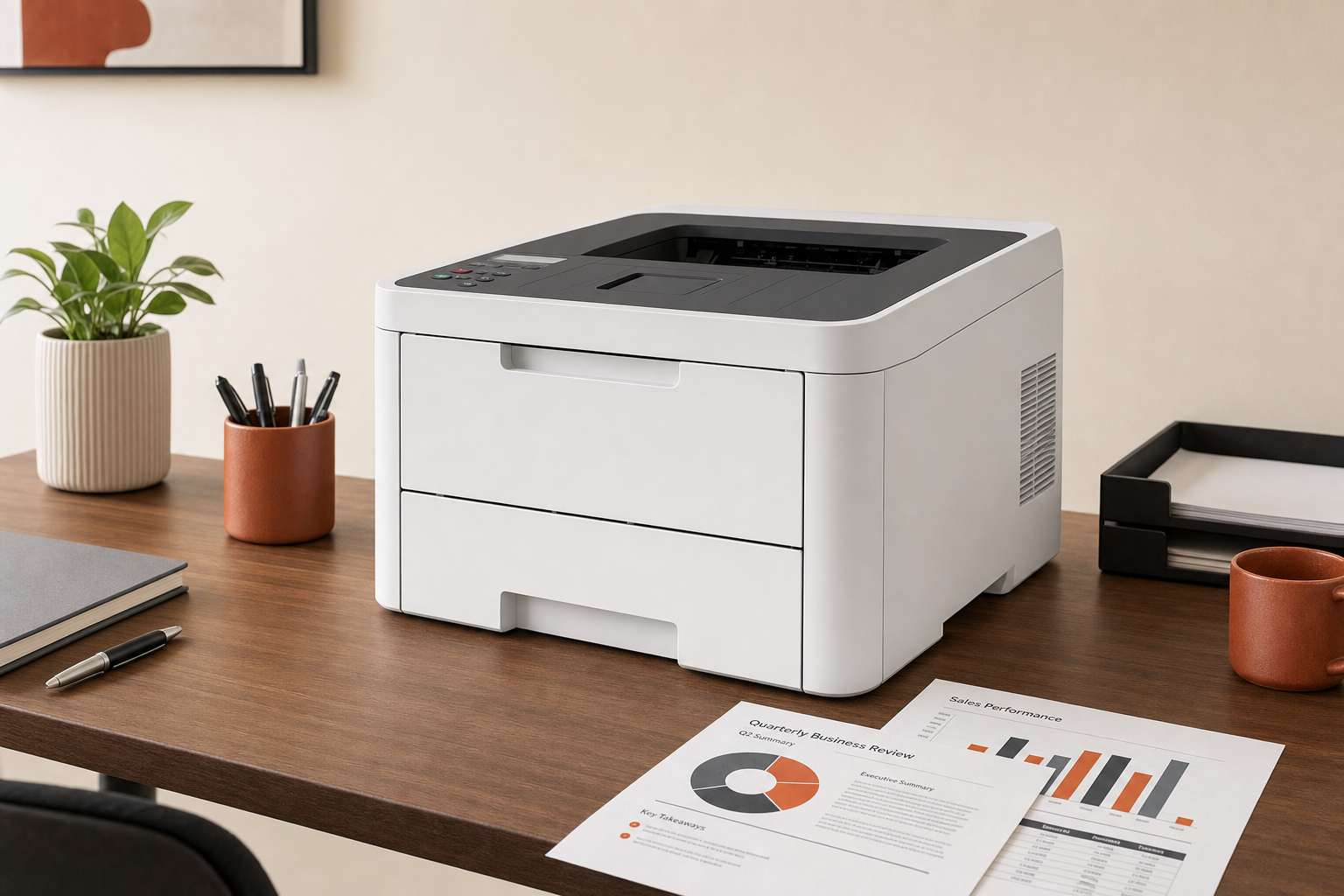
What this printer is really for
The best way to think about this model is as a focused office tool. The Brother HL-L3220CDW Wireless Digital Color Printer review question comes down to one practical use case: repeat document printing where color improves readability or presentation quality, but multifunction features do not matter.
That means things like internal reports, presentations, client handouts, charts, and everyday office documents are the center of the buying case. The strongest argument in its favor is not novelty. It is that a printer-only color laser category can be a smarter long-term match than an inkjet when the workload is document-heavy and recurring.
Just as important, this is a poor fit if you only print occasionally at home or if your color printing is nice to have rather than necessary. In that situation, the higher upfront and toner-related cost compared with simpler black-and-white models becomes harder to justify.
Brother HL-L3220CDW Wireless Digital Color Printer pros and cons
Pros
- Clear category fit for workgroups that need crisp color business documents.
- Printer-only design makes sense if scan and copy features would go unused.
- More logical than an all-in-one when your priority is document output rather than admin features.
- Wireless printing support is part of the model’s intended office use.
Cons
- Higher upfront and toner costs than monochrome Brother printers.
- Easy to overspend if most of your printing is black-and-white.
- Not the right choice if you need scanning or copying.
- Likely overkill for casual home use.
The biggest strength and biggest weakness are tightly connected. If you genuinely benefit from business-color output, this category can be worth paying for. If you do not, the extra cost is not buying you much.
Who should buy it
Best for
- Small offices or workgroups that print color documents regularly.
- Buyers choosing between inkjet and color laser for office-document work.
- Teams that want wireless convenience without paying for unused scan/copy hardware.
- Anyone who cares more about repeat document printing than multifunction flexibility.
Skip it if
- You need an all-in-one for scanning or copying.
- You want the lowest-cost Brother option for mostly black-and-white printing.
- You are buying for occasional, inexpensive home printing.
If your needs fall into that second list, this is probably the wrong printer category rather than a bad printer. That distinction matters, because many buyers end up disappointed by buying a more expensive color machine when a basic monochrome model or multifunction unit would have matched their routine better.
How it compares with the alternatives most buyers actually consider
Vs. a monochrome Brother printer
If your office mostly prints text documents and only rarely needs color, a monochrome Brother is the more rational buy. The nearby comparison many shoppers should make is the Brother HL-L2460DW Wireless Monochrome Laser Printer. The basic trade-off is straightforward: give up color capability and you typically get lower purchase and toner costs in return.
That does not make the HL-L3220CDW a worse option. It just means you should be honest about how often color really changes the usefulness of what you print.
Vs. a Brother multifunction model
If your workflow includes signing forms, scanning receipts, copying packets, or digitizing paperwork, a printer-only device is restrictive from day one. In that case, a multifunction path is easier to defend, such as the Brother DCP-L2640DW Wireless Monochrome Laser Multifunction Printer. Even though that model changes the color vs. monochrome equation, it highlights the real category decision: do you need document-output focus, or do you need office utility features?
Vs. an inexpensive casual-use printer
If your print habits are sporadic and low-stakes, the Brother HL-L3220CDW is harder to justify. The reason is not that casual buyers cannot use it. It is that they are less likely to benefit from what they are paying for. This model is easier to defend when color documents are part of normal work, not an occasional exception.
What we can say confidently, and what we cannot
Because the available evidence package here is limited, we are intentionally keeping this review focused on the clearest supported decision points. We can say the model is positioned as a wireless digital color printer for buyers who want printer-only color output, and that the main buying trade-off is stronger office color capability versus higher cost than monochrome alternatives.
We are not making unsupported claims here about detailed performance, paper capacity, print speed, toner yield, mobile app quality, setup time, or operating costs per page. Those specifics should be verified against Brother’s official documentation before a final purchase decision if they are important to your office.
Bottom line
If your office needs crisp color documents on a regular basis and you do not need scan/copy hardware, the Brother HL-L3220CDW has a sensible place in the market. That is the case for buyers asking, is Brother HL-L3220CDW Wireless Digital Color Printer worth it. It can be, but only when the workflow really supports a printer-only color machine.
If your printing is mostly black-and-white, or if scanning and copying are part of daily work, you will probably get better value from a different Brother category. For this model, the smart move is to buy it for a specific reason, not because it seems like a safe middle ground.
FAQ
Is the Brother HL-L3220CDW worth it for a small office?
It can be worth it for a small office that regularly prints color documents and does not need built-in scan or copy functions. It is less convincing for light-duty offices that mainly print black-and-white pages.
Is the Brother HL-L3220CDW a laser printer or an inkjet?
It is positioned in the color laser office-printer category rather than as an inkjet. For buyers, the practical takeaway is that it is aimed at repeat document printing, not casual home photo-style use.
Does the Brother HL-L3220CDW scan or copy?
No scan/copy hardware is part of the core buying case described here. If you need those functions, you should shop a multifunction model instead of a printer-only device.
Who should buy a printer-only color model instead of an all-in-one?
Buyers who regularly print business documents in color but rarely or never scan and copy are the best match. If admin tasks like digitizing paperwork matter, an all-in-one is the safer choice.
How expensive is toner for the Brother HL-L3220CDW compared with monochrome Brother printers?
The main supported takeaway is that color toner costs are a more meaningful consideration here than with monochrome Brother printers. This is one of the clearest reasons to skip this model if you mostly print in black and white.
Is the Brother HL-L3220CDW good for presentations, charts, and client handouts?
Yes, that is the most sensible use case based on the evidence available. Its strongest fit is for repeat office-document printing where color improves clarity or presentation quality.
Is the Brother HL-L3220CDW overkill for casual home use?
For many casual home buyers, yes. If you print infrequently or mostly need simple black-and-white pages, this category is often more printer than you need.
How does the Brother HL-L3220CDW compare with the Brother HL-L2460DW?
The practical difference is color versus monochrome. The HL-L3220CDW makes more sense when business-color output matters, while the HL-L2460DW is the simpler value play for black-and-white document printing.
Should I choose the Brother HL-L3220CDW or a multifunction Brother model?
Choose the HL-L3220CDW if your priority is printer-only color output. Choose a multifunction Brother model if scanning or copying is part of your regular workflow.
Does the Brother HL-L3220CDW support duplex and wireless printing?
Wireless printing is part of the model name and positioning. Duplex capability should be verified against Brother’s official product page or manual before purchase if it is a deciding factor for you.